Summarize this with
 ChatGPT
 Claude
 Gemini
 Perplexity
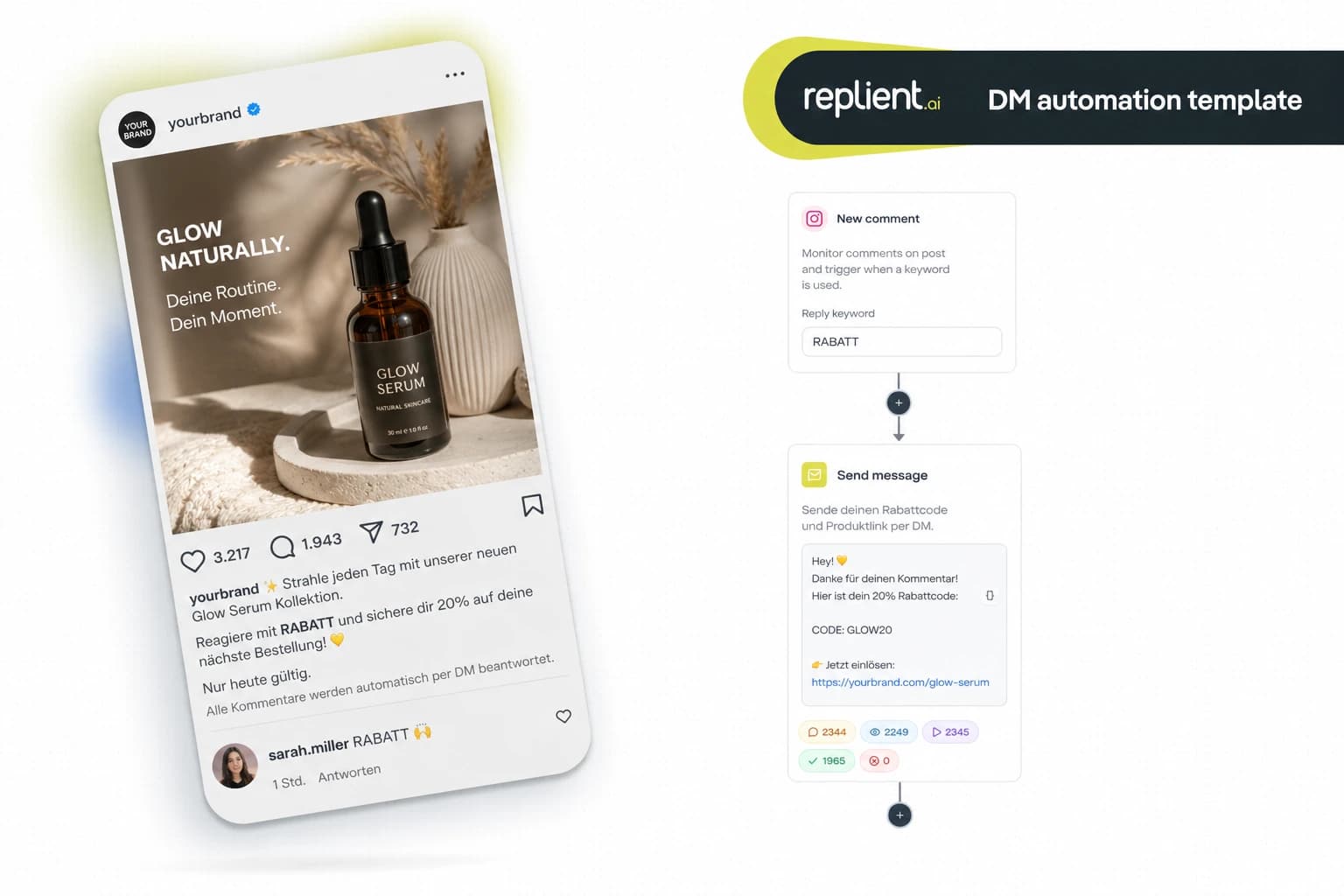
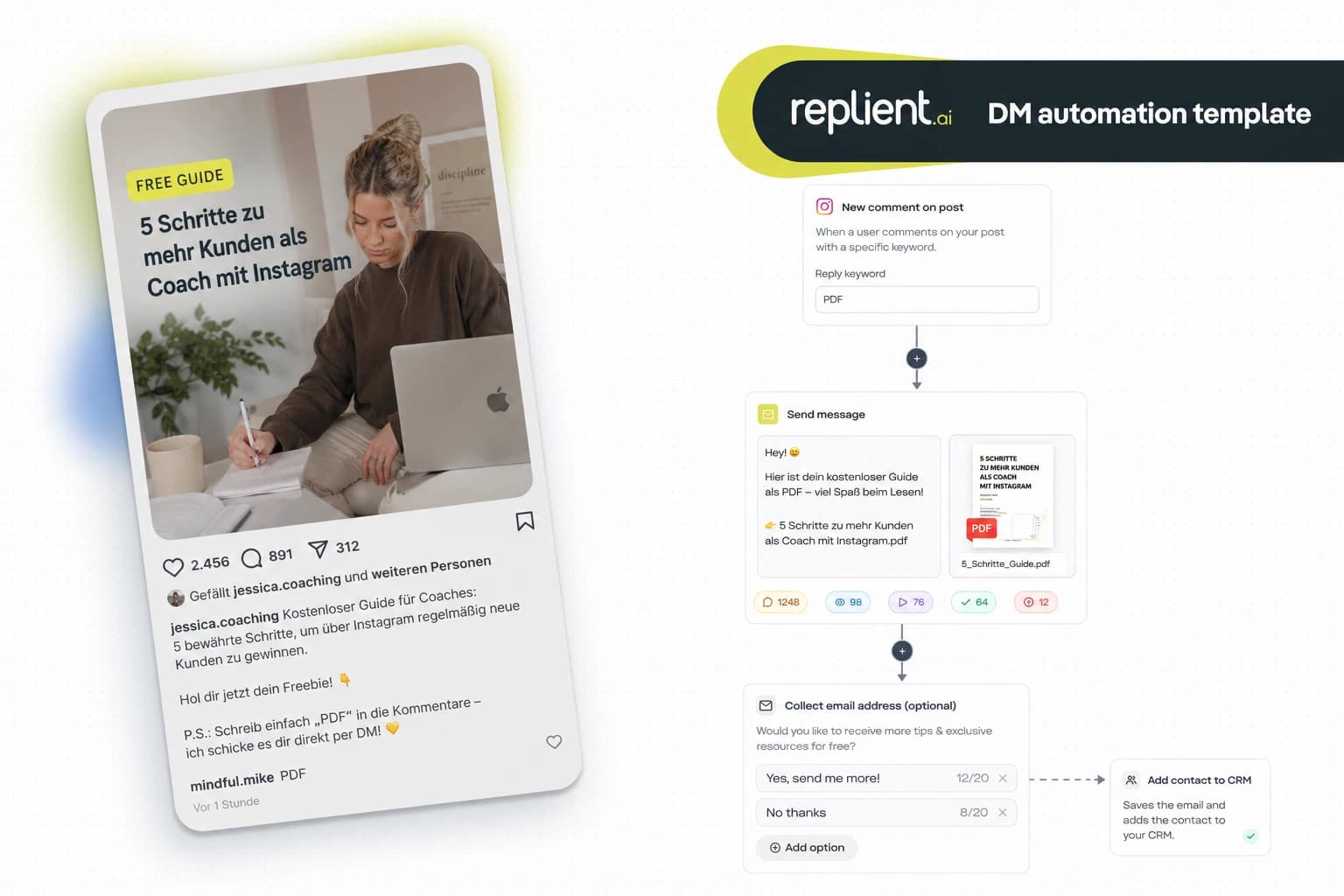
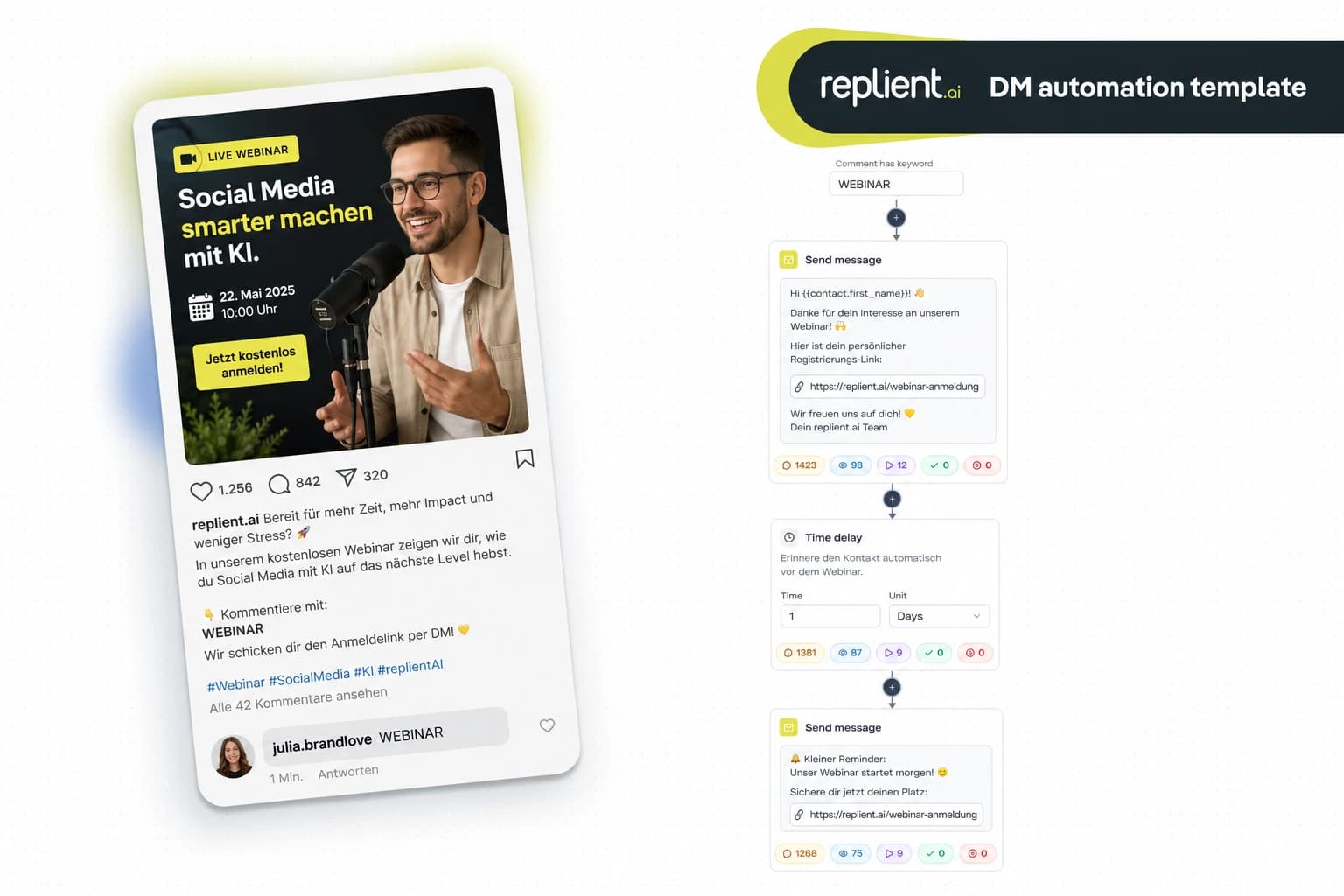
Preview of the DM automation 👇
- Someone mentions your account in an Instagram Story, replient automatically sends a thank-you DM within seconds.
- The flow asks via an Ask Question button if you can share the story in your own Stories, UGC permission on autopilot.
- On „Yes“ a thank-you follows with a discount code or freebie in return, community engagement that scales.
- No keyword filter: the trigger fires on every mention, no matter what the person writes.
- Instagram only, the Meta Graph API provides story mention webhooks exclusively for IG.
On an onboarding call last week a Hamburg fitness brand with 34,000 followers told me they get 15 to 25 story mentions per day, and they respond to maybe three of them. Not out of laziness, but because the notifications get lost among comments, DMs, and Reels likes. Stories disappear after 24 hours. And with them goes the chance to build a real fan relationship.
This template solves exactly that problem. Every mention is automatically answered with a personalized DM, in seconds instead of hours. You get UGC permission with a button click. And the person who mentioned you feels seen.
Use this template in replient, try it free for 14 days
Flow at a glance
The process, from the story mention to UGC permission:
Why story mentions are marketing gold
Story mentions are the most valuable form of user generated content on Instagram. When someone shows your product in their story and tags your account, they are actively recommending you to their entire network, without you paying for it.
The numbers speak clearly: According to Bazaarvoice (2025), product pages with UGC boost conversion by up to 161%. According to Backlinko (UGC statistics, 2025), 79% of consumers say UGC significantly influences their purchasing decisions. And PowerReviews analyzed over 1.5 million product pages: visitors who interact with UGC convert 102.4% more often.
The problem: Most brands miss 80% of these mentions. Stories disappear after 24 hours. If you do not respond within that window, you lose the content forever, and the chance to build a relationship with a real fan.
Who is this template for?
- E-Commerce brands, fashion, beauty, food: customers post unboxings, hauls and outfit posts. Every ignored mention is a missed recommendation.
- Creators & influencers – community care on autopilot. Your most loyal followers tag you regularly, and reacting to them automatically strengthens that bond. More on this on our influencer page.
- Agencies: With 5+ brands each getting 20+ mentions per day, manual monitoring is impossible. This template scales UGC management across all clients.
- Local businesses: Restaurants, cafes, studios: Guests share their experience in stories. An immediate thank-you DM with a loyalty discount builds customer loyalty.
Why this approach is better than manual monitoring
Manual story-mention management consists of four steps: see the notification, open the story, take a screenshot, type a DM. With 15 mentions per day that's easily 30 to 45 minutes. For a brand with 50+ mentions it's more like 2 hours, every day.
And you still miss most of them. According to EmbedSocial (2025), beyond a certain volume it becomes „impossible to keep up manually, native notifications quickly become overwhelming.“ The mentions get lost among comments, DMs, likes, and Reels notifications.
Speed plays a decisive role: 40% of consumers expect a response within an hour (Sprout Social). Those who react within a minute convert 391% better than with a 30+ minute delay (Harvard Business Review). With an automated flow your response time is under 60 seconds, whether it's Sunday at 11 pm or Monday morning at 6.
Step by step: set up the flow in 10 minutes
Step 1: Set the story-mention trigger
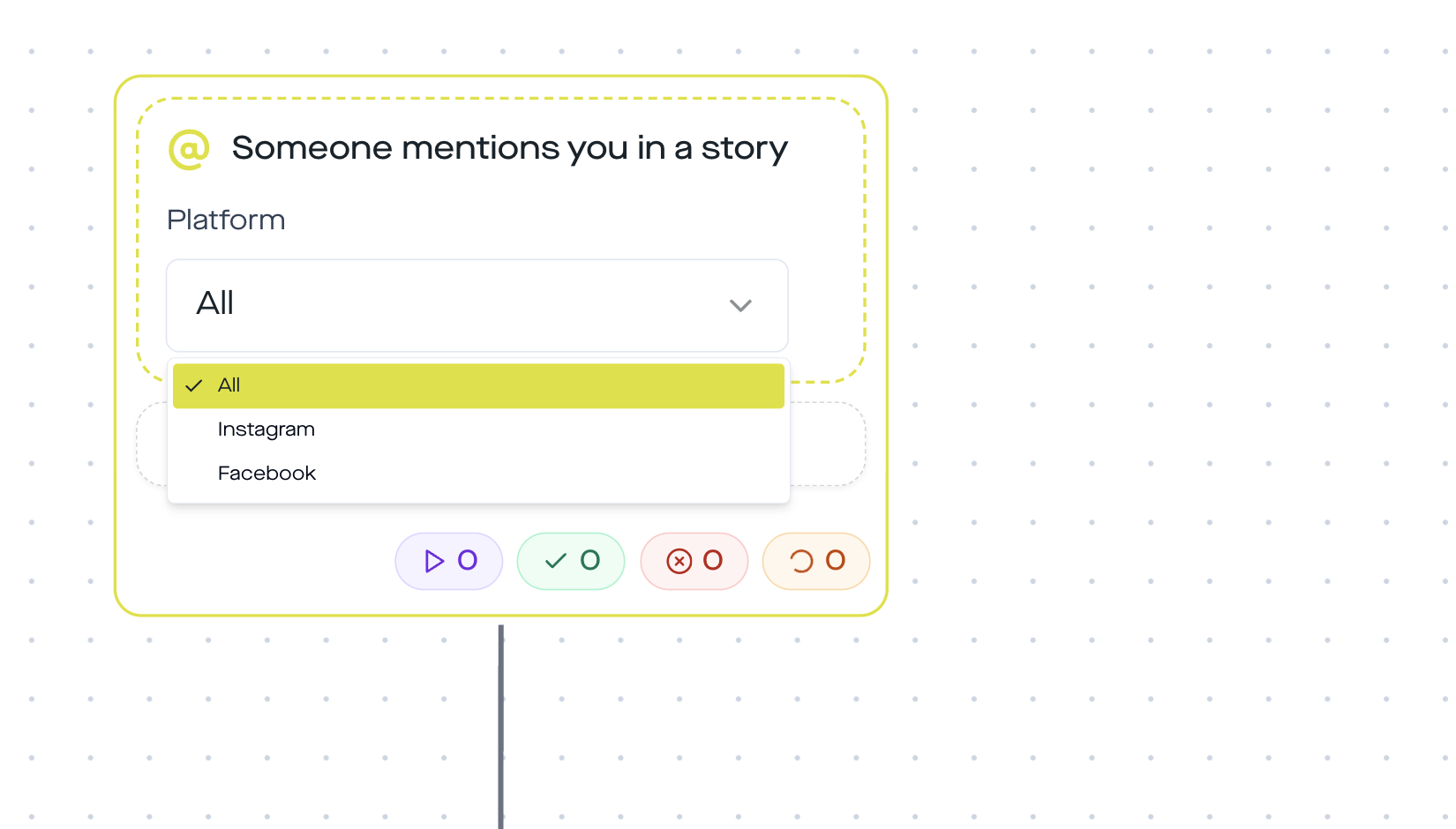
Create a new DM automation in replient and choose the trigger „Someone mentions you in a story“. Unlike the story-reply trigger (where someone replies to your story), this trigger fires when someone mentions you in their story. There is no keyword filter, every mention triggers the flow. That's intentional: you want to react to every mention, not just specific ones.
Set the platform to Instagram. The trigger is IG-exclusive (more on that below).
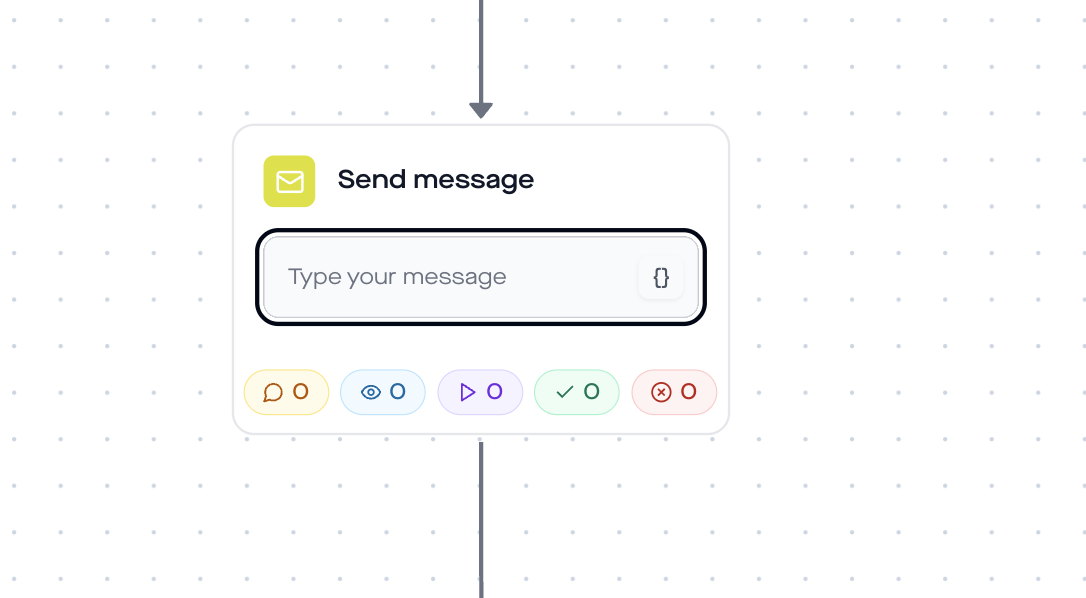
Step 2: Send a thank-you DM
Add a Send-Message-Step. The message should feel personal, even if it's automated. Use the variable {{contact.username}} for a personal greeting:
„Hey {{contact.username}}, thanks for the tag! So glad you like [product/content] 🙏“
Step 3: Time delay (1 minute)
Insert a short Time Delay of 1 minute before the next message. This makes the flow feel natural, no two messages in the same second.
Step 4: UGC permission via Ask Question
Here it gets strategic. Add an Ask-Question-Step with the question:
„Can I share your story in my Stories? 😍“
Button 1: „Yes, please!“ · Button 2: „Rather not“
Through the buttons you get clear, documented consent, relevant for brands that want to reuse UGC in their marketing. No more screenshotting DM threads, no more „did the person actually agree?“.
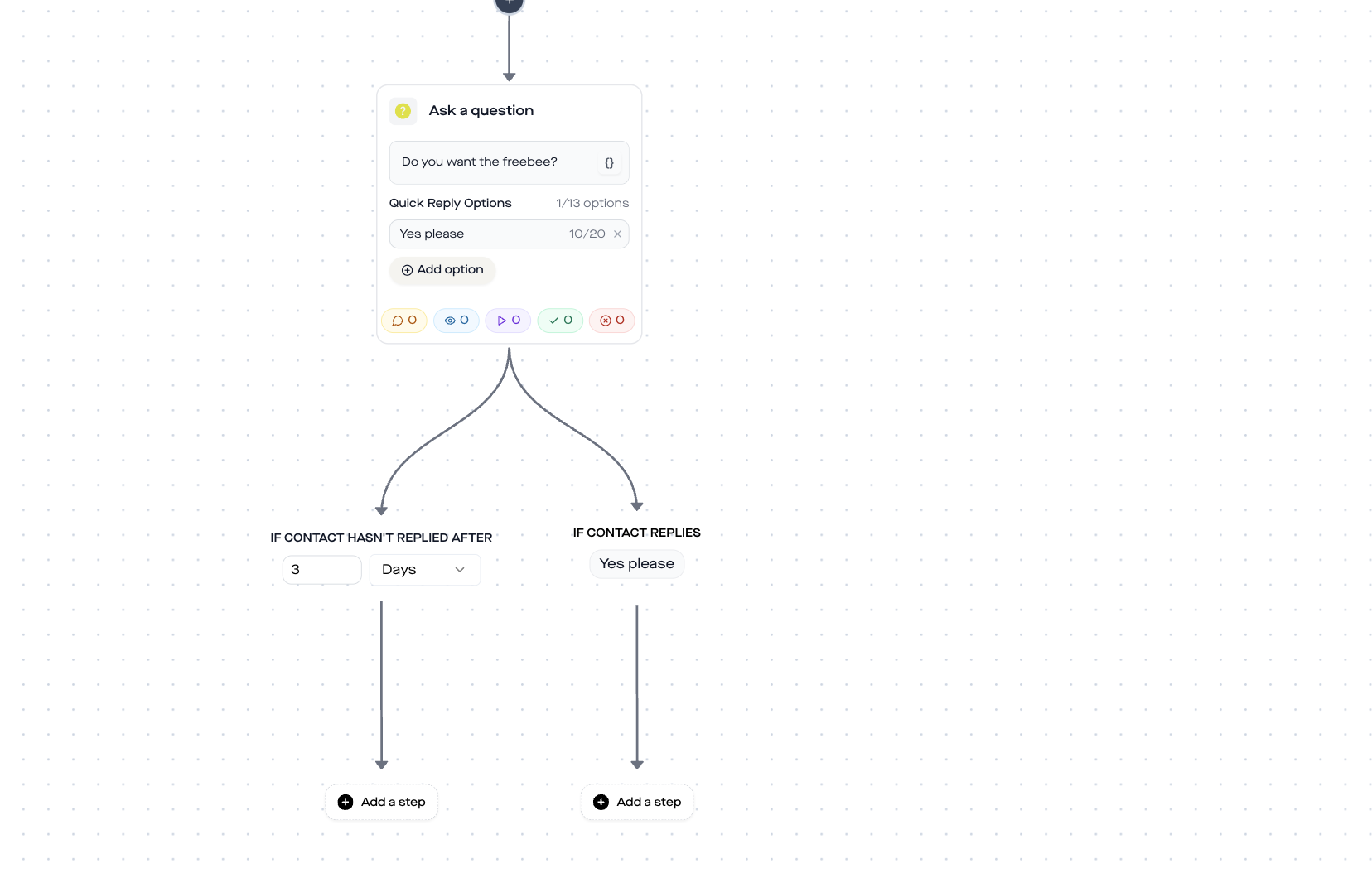
Step 5: Branching, Yes vs. No
On „Yes, please!“:
- Add Conversation Tag →
ugc-approved(so you can later filter all UGC approvals) - Send Message → thank-you + counter-offer: „Awesome, thank you! As a little thank-you: here's a 15% discount code just for you 🎁“ or a freebie link
- Optional: Send Link with a tracking button to the shop or an exclusive offer
On „Rather not“:
- Send Message → „No problem, thanks anyway for the tag! 💛“ – respectful, no further message
Why this template only works on Instagram
The Story-Mention trigger uses the story_mention webhook of the Meta Graph API. This webhook is only available for Instagram Business and Creator accounts. Facebook Pages do not have a comparable mechanism for story mentions, the API simply does not deliver events when someone tags a Facebook Page in a Facebook story.
This means: This flow only works on Instagram. If you also want to automate on Facebook, take a look at our DM automation guide, where you'll find flows that run on both platforms.
Best practices for story-mention automations
- Respond to every mention. Unlike comment triggers, you do not need a keyword filter. Anyone who tags you in a story has actively chosen you. Each of these mentions deserves a response.
- Keep the first message short. No novel, no sales pitch. A simple „Thanks for the tag!“ with an emoji feels authentic. The discount or offer only comes after the Ask-Question-Step, as a reward, not as a quid pro quo.
- Use the UGC tag strategically. Anyone tagged with
ugc-approvedis a potential brand ambassador. Export this list regularly and check whether you can use the content for ads, landing pages, or organic posts. - Vary the reward. Not everyone needs a discount code. For creators, a promise of a shoutout works better. For e-commerce, an exclusive early access. Tailor the message to your audience.
- Don't overdo it. A thank-you DM plus one follow-up question is enough. No multi-step funnel with five messages. The person mentioned you, they are already a fan. Treat them that way.
Story mention vs. story reply: the difference
Both triggers are related to Instagram Stories, but work fundamentally differently:
| Criterion | Story Mention (H17) | Story Reply (H11 to H16) |
|---|---|---|
| Trigger | Someone tags you in their story | Someone replies to your story |
| Who posts? | The other user (UGC) | You (your own content) |
| Keyword filter | None, triggers on every mention | Optional: keyword, sentiment, tags |
| Primary benefit | UGC collection & fan engagement | Lead generation & conversion |
| Platform | Instagram only | Instagram only |
| Templates | This template (H17) | Link, Freebie, Discount and others |
In short: Story Replies are outbound (you create the CTA in your story). Story Mentions are inbound (your community creates the content). Both templates complement each other, use them in parallel.
Real results: what UGC automation delivers
The direct ROI calculation: If your brand gets 20 story mentions per day and you manually need 2 minutes per reply (check notification, open story, type DM), that is 40 minutes daily, roughly 20 hours per month. At a social media manager hourly rate of €35, that is €700 per month just for story-mention responses.
With the automated flow: one-time setup in 10 minutes. After that, 0 minutes per day.
On top of that comes the indirect effect. According to LeadResponse (2026), DMs reach open rates of 90%, compared to 15–25% for email marketing. Every automatic thank-you DM is a touchpoint opportunity with 9 out of 10 recipients. At 20 mentions a day, that's 600 high-intent contacts per month who see your message.
GDPR & Meta Business Partner
replient.ai is an official Meta Business Partner and processes all data on EU servers. The DM automation uses only the official Meta Graph API, no unofficial interfaces, no scraping, no shadowban risk. You only need an Instagram Business or Creator account connected to a Facebook page.
For the Ask-Question step: you actively ask for permission before sharing the content. This is not only GDPR-compliant, but also best practice for UGC marketing, documented consent via a DM button instead of a screenshot of a verbal agreement.
FAQ
Do I need an Instagram Business or Creator account?
Yes. The Meta Graph API provides story mention webhooks only for Business and Creator accounts. Private accounts are not supported.
Does the trigger also fire when someone mentions me in a Reel story?
The trigger fires on story mentions, so when someone tags you in their Instagram Story with an @. Reels use a separate mechanism and do not trigger this.
Can I use the flow on Facebook as well?
No. The Meta Graph API sends story_mention webhooks exclusively for Instagram. For Facebook DM automations, take a look at our Facebook Ads comment DM templates.
Is there a limit to the number of automatic DMs?
Meta allows up to 250 API calls per second. In practice you as a brand will not reach this limit. At extremely high volumes (1,000+ mentions/day) rate limiting kicks in gently, messages are slightly delayed but never dropped.
Can I send different messages for different mentions?
The story-mention trigger has no keyword filter, it fires for every mention. If you need different reactions, e.g. VIP customers versus regular followers, use the Check-if-Follower step or Conversation Tags from previous interactions to branch the flow.
What happens if the story disappears after 24 hours?
The trigger fires immediately when the mention occurs, regardless of how long the story remains visible afterward. Your DM is sent within seconds. The story may disappear afterward, the DM conversation remains.
Is it free?
replient offers a 14-day free trial. The Story-Mention template is included in all plans. See all prices →
About the author

Thomas Danninger
Co-Founder, replient.ai
Thomas is a co-founder of replient.ai and works on AI-assisted comment management for social media. He writes about automation, community management and efficient comment moderation for growing brands.