Summarize this with
 ChatGPT
 Claude
 Gemini
 Perplexity
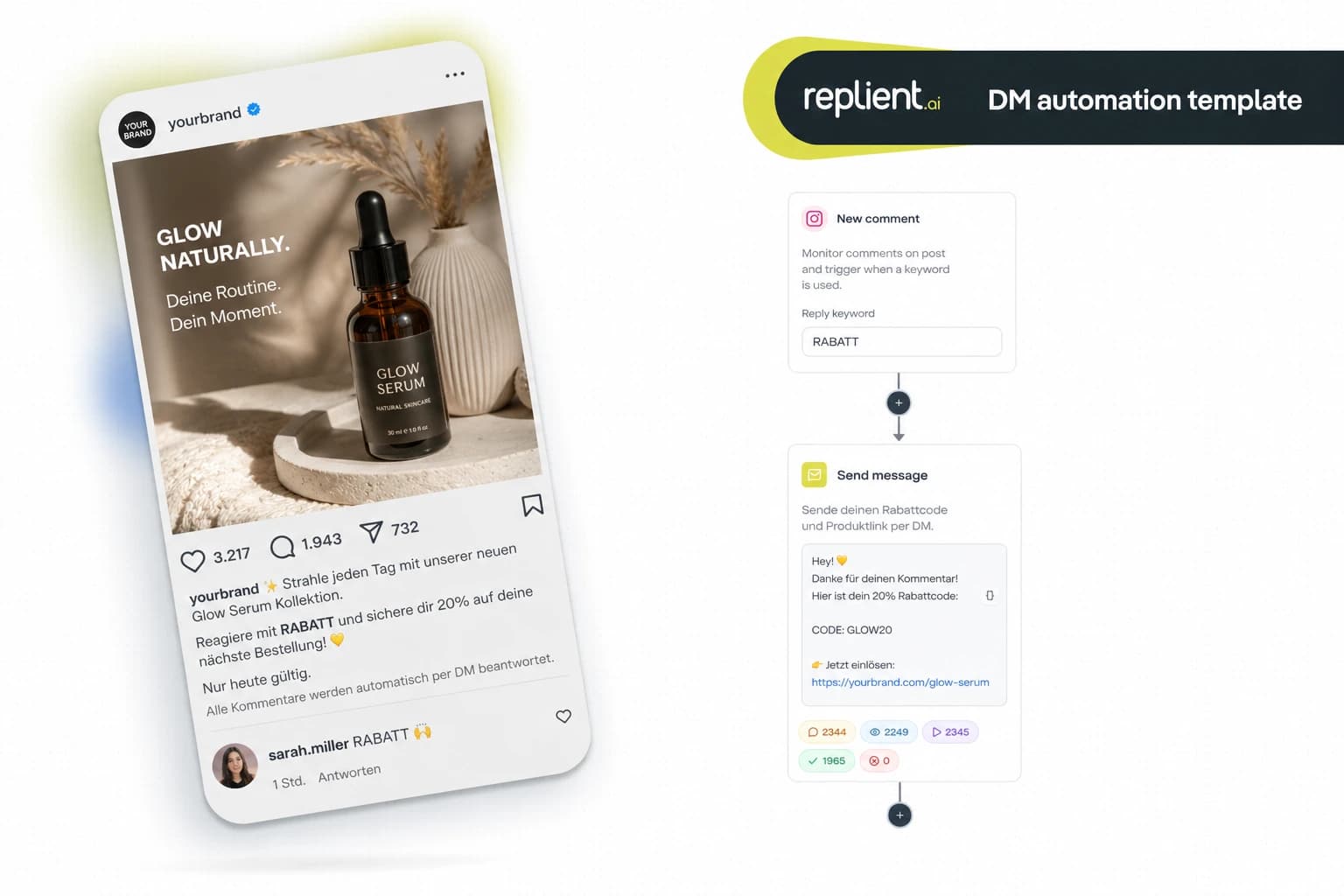
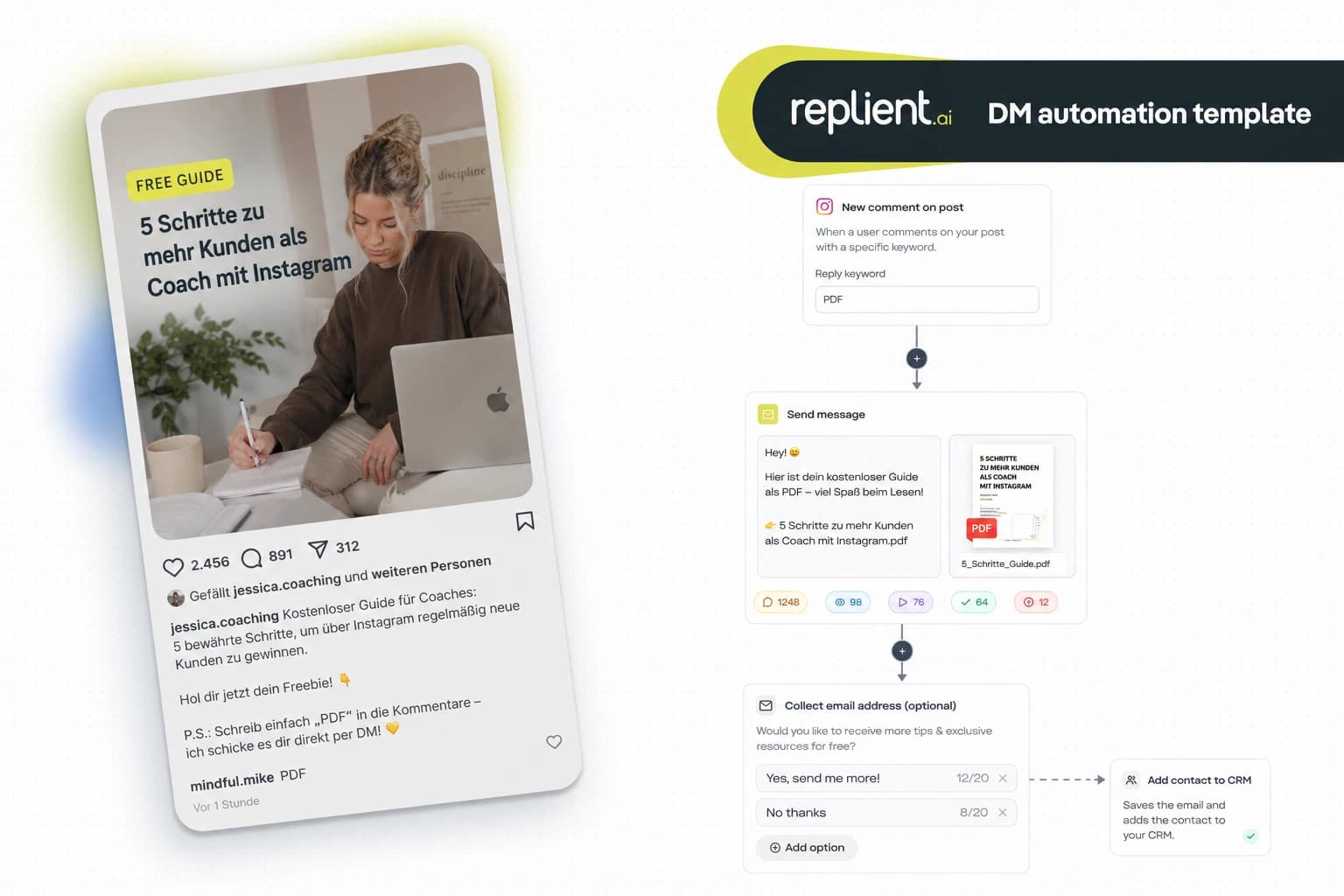
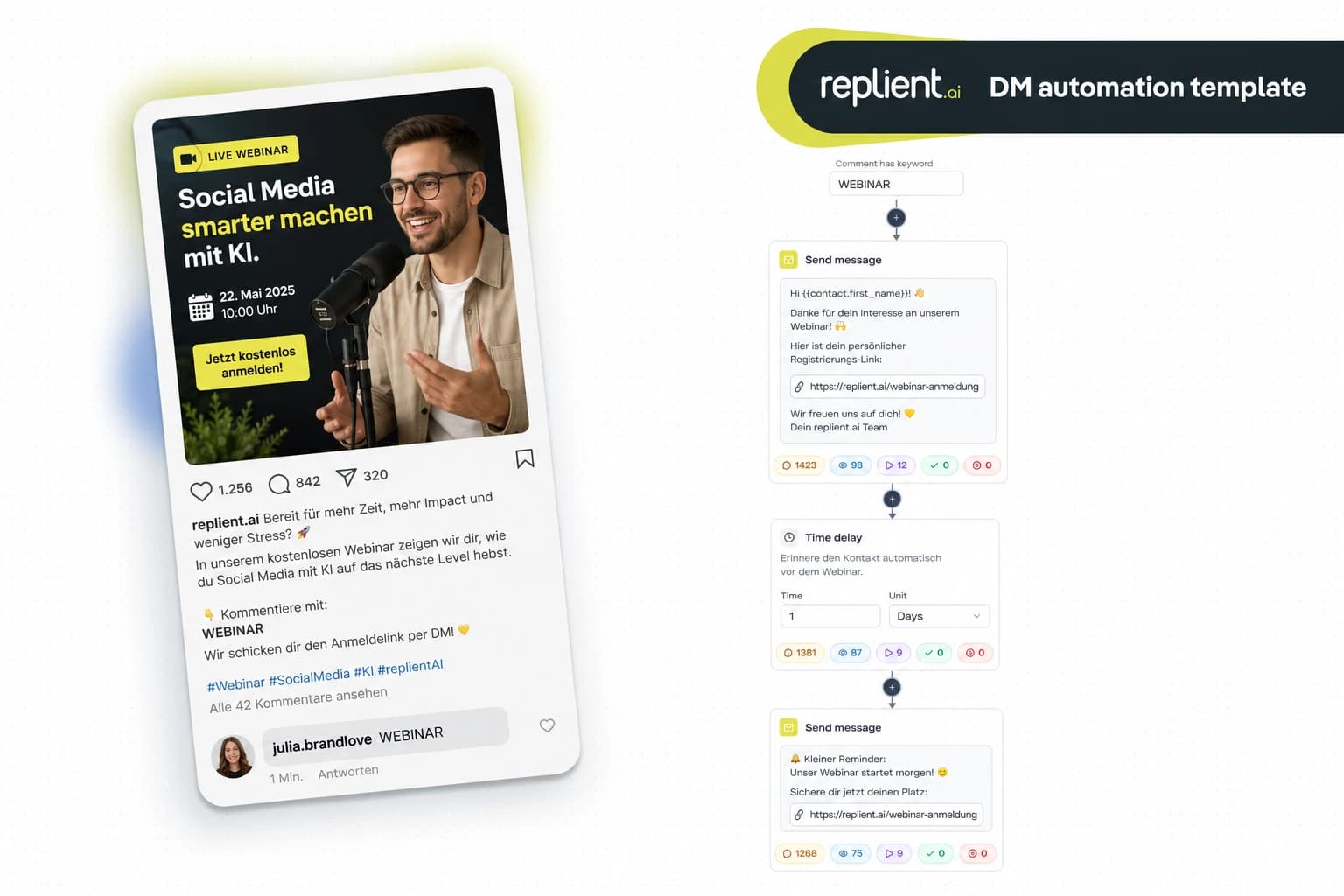
Preview of the DM automation 👇
TL;DR: Someone replies to your Instagram Story with a keyword, and automatically receives the link they wanted via DM. No link-in-bio detour, no manual typing. In this copy-paste guide you build the complete Story Reply Flow in under 5 minutes with replient.ai. GDPR-compliant, Meta Business Partner, available on Instagram only.
Last week, in an onboarding call with a food creator. She posts daily Stories with recipes, dutifully linking everything via the link sticker. "Do you know how many people actually tap the link sticker?", she asked. We looked at her insights together: out of 8,000 Story Views there were 120 clicks on the link sticker, 1.5%. Then I showed her how the Story Reply Trigger works: post a Story, write into the Story "Reply with RECIPE for the link via DM." Result: 340 Story Replies on the first day, 340 DMs with the recipe link sent. My brother Markus only said this about it: "Story Replies are the warmest trigger there is. Whoever replies to a Story has already consciously decided to interact."

Why story replies convert better than link stickers
The link sticker in Instagram Stories has a fundamental problem, it is passive. The follower sees the story, swipes on, and the moment is gone. Story replies reverse the dynamic, the follower becomes active, replies, and gets the link directly in their DMs.
The numbers speak a clear language:
- 90% open rate for DMs vs. ~20% for emails. Whoever gets a DM reads it almost guaranteed (Backlinko, 2025).
- Instagram has over 2 billion monthly active users, and 500 million of them use Stories daily (Statista, 2025). Your followers are in the Stories, the question is whether your link reaches them.
- Link sticker CTR is 1-3 % for most accounts. Story replies generate 5-10x more interactions, because the barrier is lower: replying instead of swiping.
- 391% higher conversion when replying within one minute. The automation replies in seconds, no human manages that with 200 Story Replies at the same time (LeadResponse, 2026).
The psychological effect is decisive: whoever replies to a Story has already made a micro-commitment. This principle is known from e-commerce as the "foot-in-the-door technique". The follower has acted actively, and is therefore much more receptive to the next step.
The complete Story Reply Flow: what we're building today
This flow uses the Story Reply Trigger, the warmest of all triggers in DM automation. Someone replies to your story, and the flow delivers the link via DM. Three components are enough:
- Trigger – Story Reply with keyword (e.g. "LINK", "RECIPE", "INFO")
- Send Message, personalized greeting DM with context
- Send Link, Clickable link with button and click tracking
Optional:
- Time Delay + Follow-up, Reminder for followers who haven't clicked yet
Who is this template for?
- Creators and influencers, who share products, courses, or affiliate links via Stories and want to eliminate the link-in-bio detour
- E-commerce brands, that tease new products in Stories and send interested users directly to the shop link
- Coaches and consultants, who share content in Stories and want to deliver the next step (PDF, freebie, booking link) via DM
- Musicians and artists, who distribute Spotify links, ticket links, or merch links via story replies
- Agencies, who set up and manage this flow for multiple client accounts
Step by step: Set up Story Reply Flow
Block 1: Story Reply Trigger
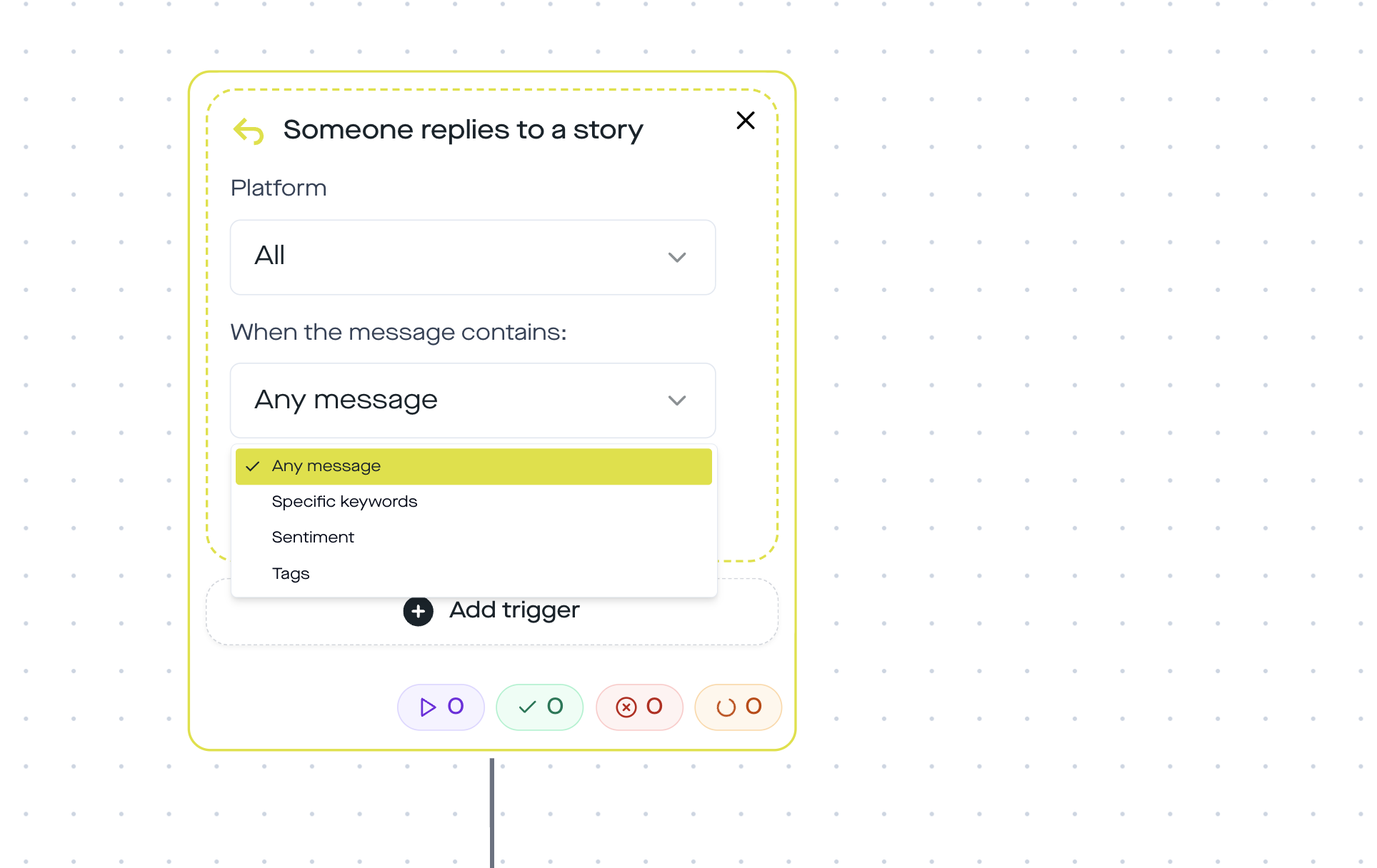
The Story Reply Trigger fires when someone replies to your Instagram Story. You can filter: only specific keywords, every reply, or by sentiment.
For this flow you configure:
- Trigger: Someone replies to a story
- Message: Specific keywords → "LINK" (or another keyword that fits your content)
- Platform: Instagram
In your Story you write the call-to-action directly into it: "Reply with LINK and I'll send you direct access via DM." Alternatively, a question sticker also works, where the answer contains the keyword.
Block 2: Send Message
Right after the trigger, the follower gets a personalized DM. Use the variable {{username}}, so the message does not feel generic.
Example text:
Hey {{username}}! Thanks for your interest in my story. Here is the promised link, enjoy!
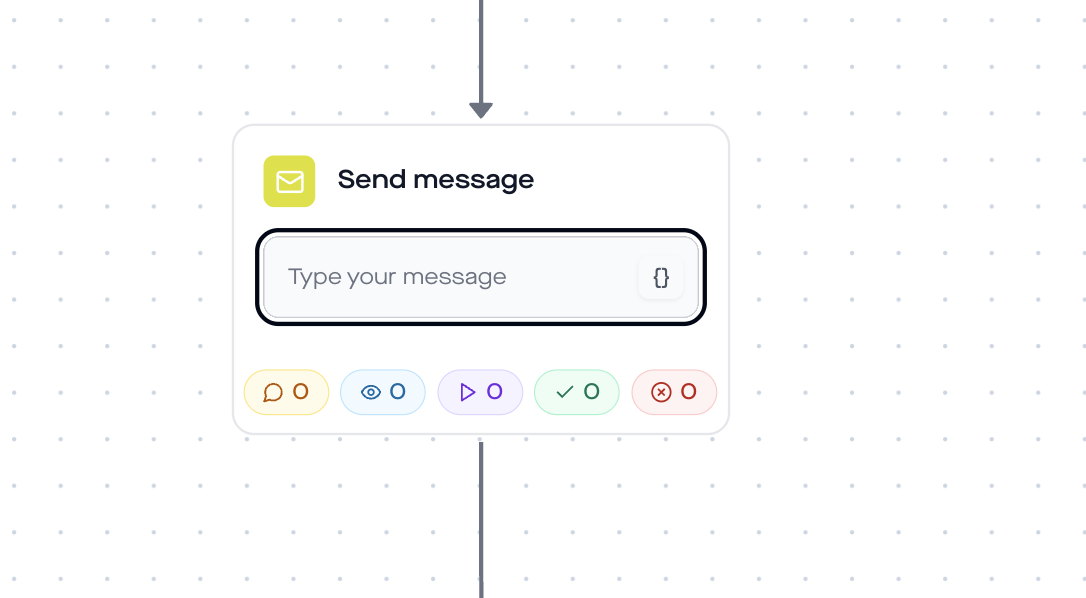
Personalization with the username makes a measurable difference: 73% of consumers expect personalized interactions (Salesforce State of the Connected Customer, 2024).
Block 3: Send Link
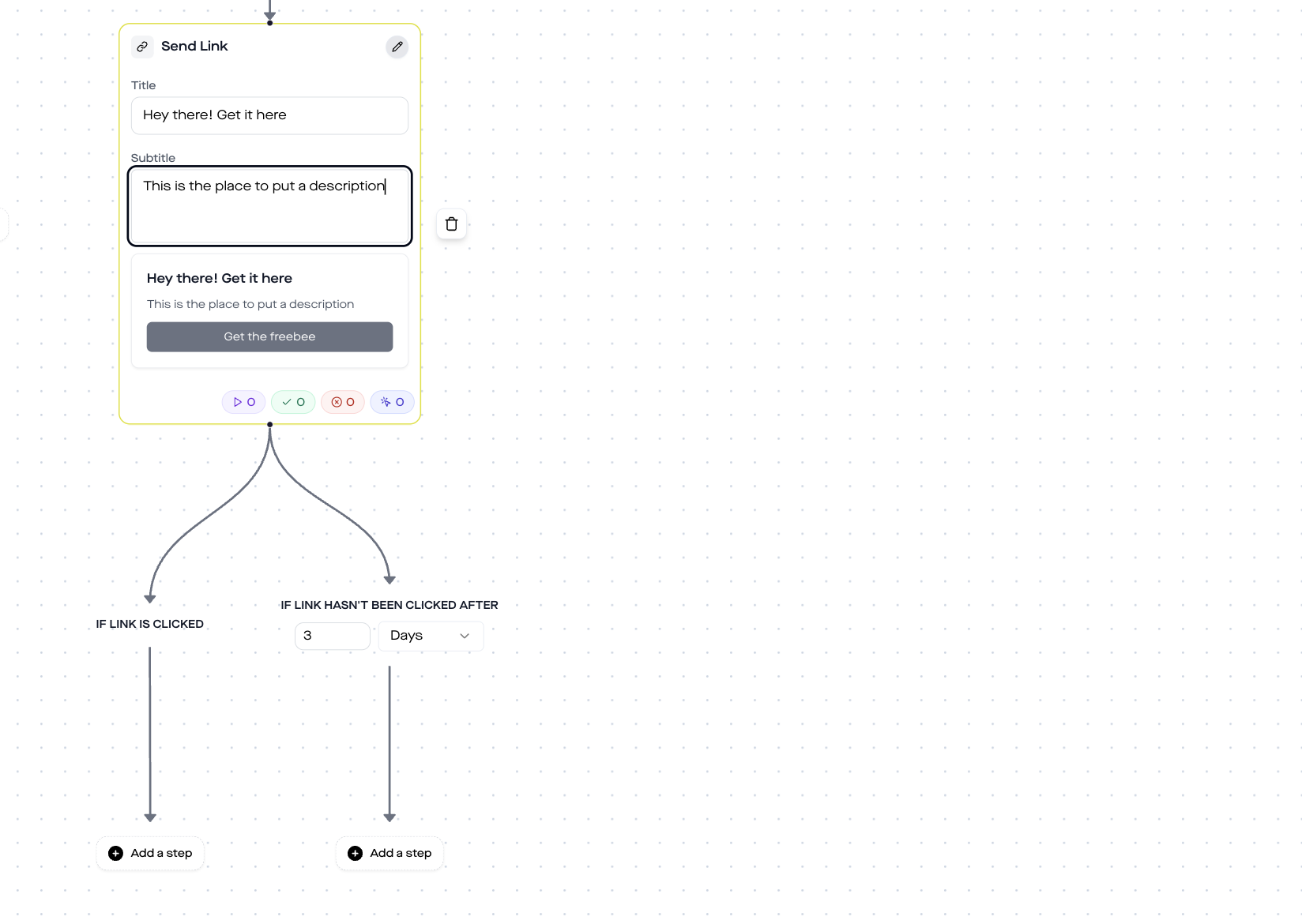
The Send Link step sends your link as a clickable button in the DM. You define:
- Title: A message above the button (e.g. "Here is your exclusive link")
- Button text: The text on the button (e.g. "View now", "To the recipe", "Open shop")
- URL: Your target link (blog post, shop page, landing page, affiliate link)
- Click tracking: Automatically active, you can see in the dashboard how many followers clicked
Module 4 (optional): Time delay + follow-up
Not every follower clicks immediately. With a 24-hour time delay and a follow-up message, you gently remind:
Hey {{username}}, did you already see the link from yesterday? If not, here it is again for you.
This is how you reach followers who saw the first DM but haven't clicked yet. In our experience, follow-ups bring 15-25% additional clicks.
Story reply vs Link-in-bio vs Link sticker: the comparison
| Criterion | Link-in-bio | Link sticker | Story reply → DM |
|---|---|---|---|
| Click friction | 3 steps (bio → find link → click) | 1 step (swipe/tap) | 1 step (reply) |
| Open rate | Unknown | 1-3% CTR | 90% DM open rate |
| Personalization | None | None | {{username}} + context |
| Click tracking | Only with Linktree/etc. | Instagram Insights | In the replient.ai dashboard |
| Follow-up possible | No | No | Yes (time delay + DM) |
| Interaction | Passive | Passive | Active (micro-commitment) |
Why this template only runs on Instagram
The Story Reply trigger is Instagram-exclusive. This is due to the Meta Graph API: Instagram opened the Story Reply webhook to developers in 2021, Facebook Pages do not have a comparable counterpart for story replies.
Specifically, when someone replies to your Instagram Story, the API recognizes that as a distinct message type (story_reply) with a reference to the story. Facebook Stories simply do not have this webhook.
All other templates that use only post comments or normal DMs as a trigger work on both platforms. If you need a similar flow for Facebook, you can use the post comment trigger instead: create a Facebook post with the CTA "Comment LINK" and use the comment-to-DM flow. You can find the complete guide on this in our DM automation guide for Instagram and Facebook.
Best practices for Story Reply flows
- Write the keyword into the Story. The CTA must be crystal clear: "Reply with LINK" as a text overlay or sticker. Without a clear instruction, nobody knows what to reply.
- One keyword per Story. Use "RECIPE" for the recipe, "LINK" for the blog post, and "CODE" for the discount code. This way you can run multiple automations in parallel.
- Use Story Highlights. Stories disappear after 24 hours, but the flow does not. Save the story as a highlight so new followers can still see the CTA and reply after 24 hours.
- Enable Trigger Once per User. In replient.ai you can set the flow to trigger only once per user. This prevents duplicate DMs if someone replies multiple times.
- Caption variant for feed posts. The same link can also run in parallel via the Comment-to-DM trigger. Story for warm followers, feed post for reach, one link, two channels.

Analytics: What you should track
In the replient.ai dashboard you can see the performance per automation step:
- Trigger rate: How many story replies did the flow capture?
- Delivery rate: How many send-message DMs were delivered?
- Click rate: How many followers clicked the send-link button?
- Follow-up conversion: How many additional clicks did the reminder bring?
This data helps you understand which stories generate the most replies, and where you can optimize your CTA.
Data protection & GDPR
- EU servers: replient.ai processes all data on EU servers. A DPA (data processing agreement) is in place.
- Meta Business Partner: replient.ai uses the official Instagram Graph API. No scraping, no browser automation, no shadowban risk.
- Legal basis: The follower initiates the contact themselves through their story reply. The legal basis is Art. 6(1)(a)/(b) GDPR (consent through active action).
- Opt-in through interaction: Instagram classifies the story reply as a User-Initiated Conversation, so the 24-hour messaging window applies automatically.
FAQ
Do I need a Business or Creator account for Story Reply Automation? Yes. The Instagram Graph API, and thus the Story Reply trigger, is only available for Business and Creator accounts. Switching is free and takes 2 minutes in the Instagram settings.
Does the flow also work without a keyword, i.e. for every story reply? Yes. In the trigger you can choose the "Any message" option instead of "Specific keywords". Then every reply to your story triggers the flow, regardless of what the follower writes. Useful for stories where every reply should receive the same link.
Can I run multiple Story Reply automations at the same time? Yes. You create a separate automation per keyword. "LINK" triggers the blog post link, "CODE" triggers the discount code. replient.ai checks the keywords one after another and runs the first matching flow.
What happens if the story disappears after 24 hours? The flow continues to run as long as the automation is active. New story replies only come in while the story is visible. Tip: Save the story as a highlight, then new followers can still reply weeks later and trigger the flow.
Why does Story Reply only work on Instagram and not on Facebook? The Meta Graph API provides the Story Reply webhook only for Instagram. Facebook Pages do not have a comparable counterpart. For Facebook you can use the Comment-to-DM trigger, which works the same way, only with post comments instead of story replies.
Is Story Reply Automation safe for my account? Yes. replient.ai is an official Meta Business Partner and uses only the official Instagram Graph API. No scraping, no shadowban risk. Over 1,000 brands use replient.ai daily.
What does replient.ai cost? There is a 14-day free trial with all Pro features, no credit card required. After that, DM automations are available from the Pro plan (from €129/month excl. VAT, 4,000 credits). Story replies and DMs sent without AI use no credits, and there is no contact limit. You can find the current prices here.
Use this template
Want to set up the Story Reply Flow right away? Here's how:
- Create a replient.ai account (14-day free trial)
- Connect your Instagram Business or Creator account
- Go to DM Automations → Create new automation
- Choose the trigger "Someone replies to a story" and configure your keyword
- Add Send Message + Send Link as action steps
- Activate the automation, done
From now on, any follower who replies to your story with the correct keyword will automatically receive your link via DM. Includes click tracking, around the clock.
If you want to dive deeper into DM automation on Instagram and Facebook, you'll find all the basics in our guide. And if you want to know when automation is worth it, we have a guide for that too.
About the author

Co-Founder, replient.ai
Thomas is a co-founder of replient.ai and works on AI-assisted comment management for social media. He writes about automation, community management and efficient comment moderation for growing brands.