Summarize this with
 ChatGPT
 Claude
 Gemini
 Perplexity
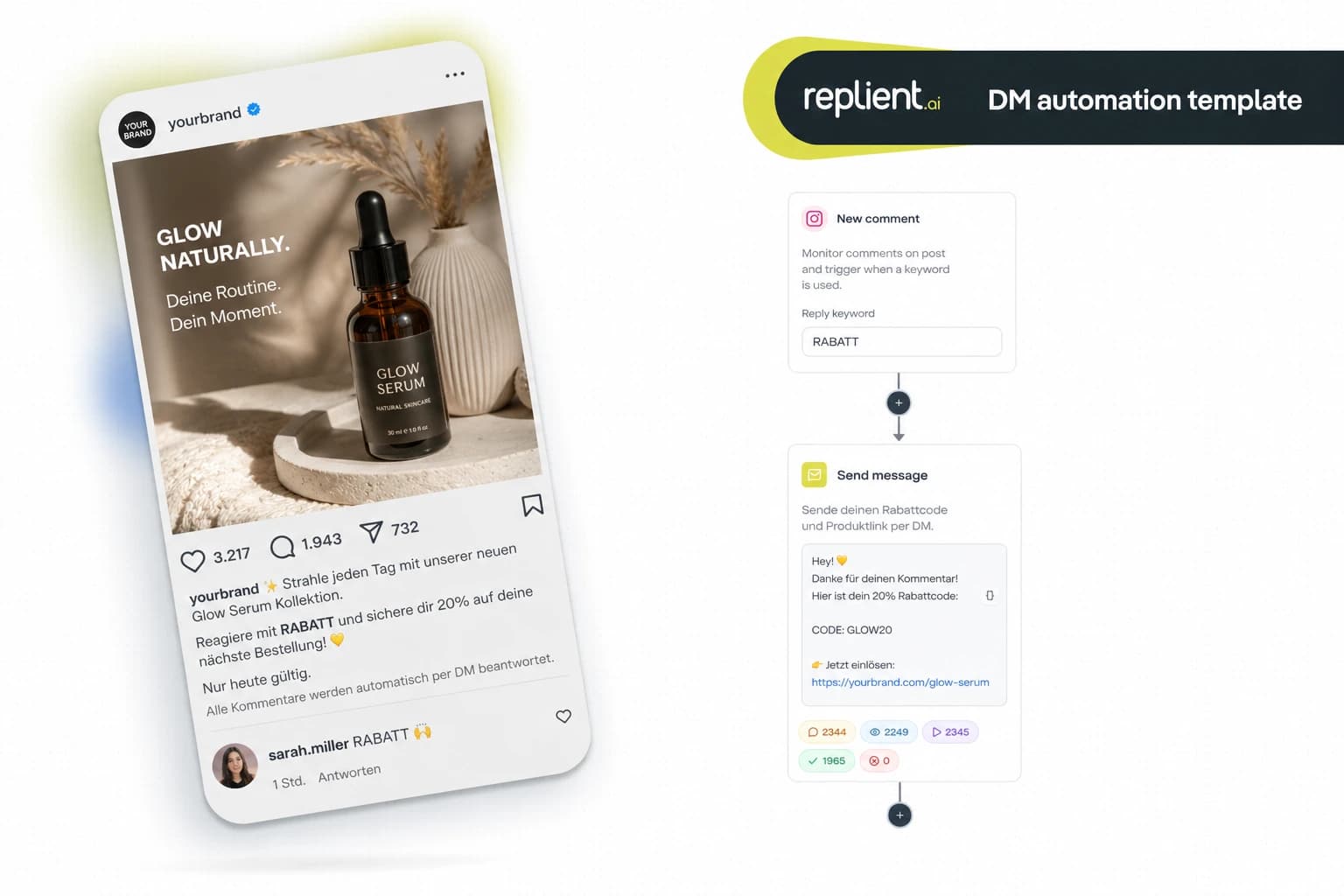
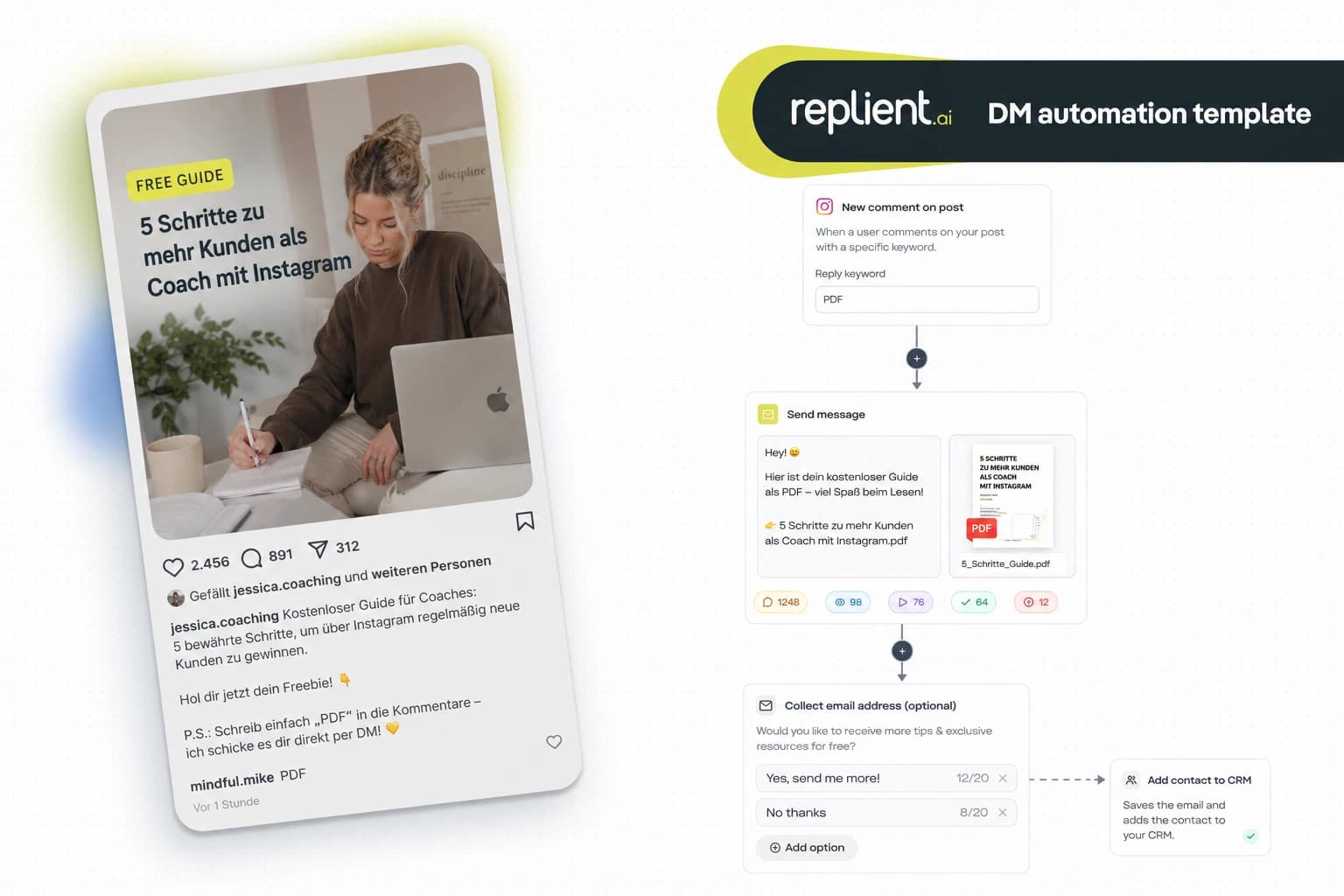
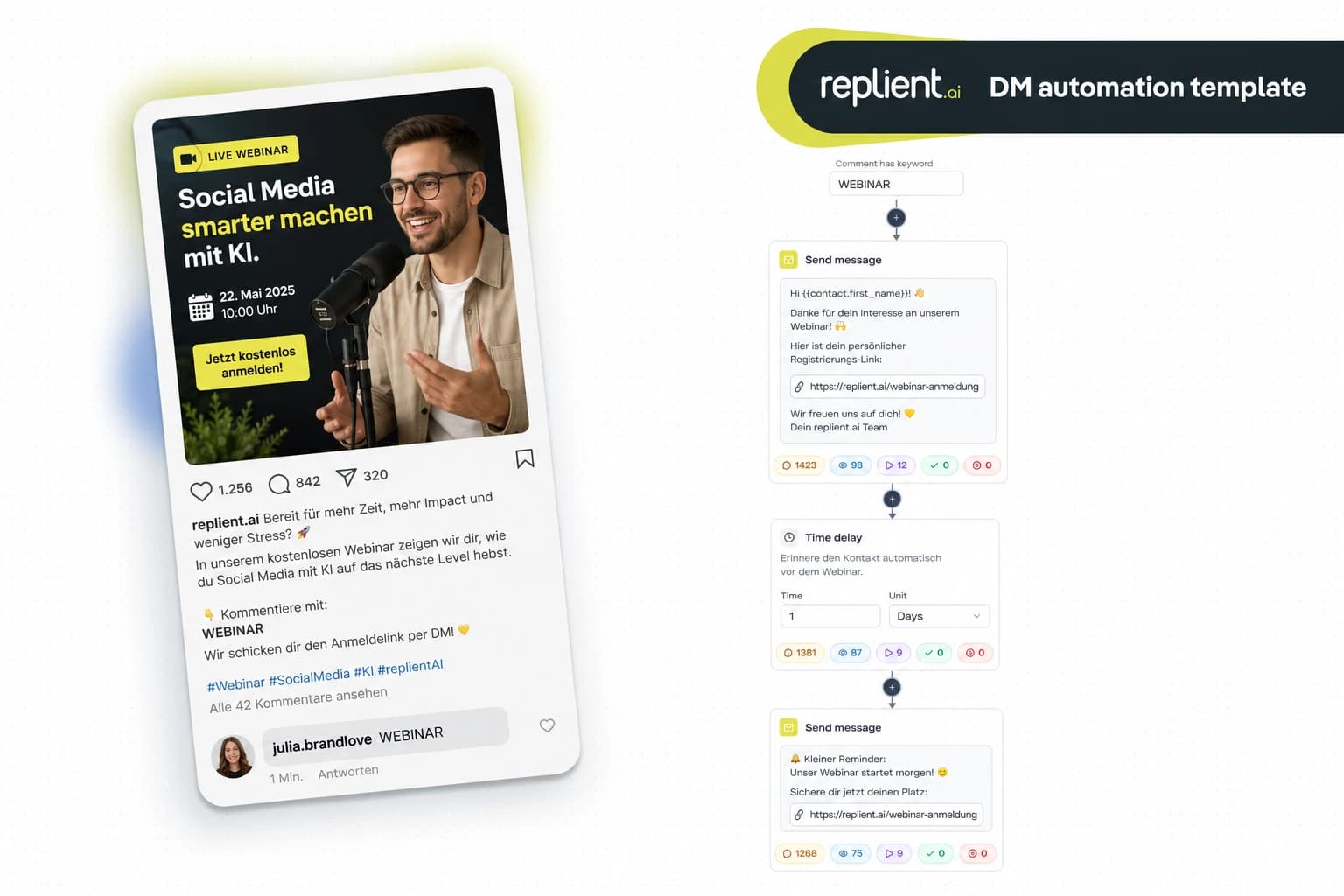
Preview of the DM automation 👇
TL;DR: An appointment scheduling flow via Instagram DM automatically sends every prospect who comments „TERMIN“ or sends you a DM a service selection, the matching booking link (Calendly, Cal.com, etc.) and a reminder before the appointment. In this copy-paste guide you build the complete flow in under 10 minutes with replient.ai. GDPR-compliant, Meta-official, let people book appointments around the clock.
Last year we had an onboarding call with a photographer from Munich. She had 12,000 followers on Instagram, posts wedding photos regularly, and under almost every reel there were comments like „Are you still free in October?“ or „How much does a shoot cost?“. Her response: typing copy-paste DMs, pasting in a Calendly link, and hoping people book before they've scrolled on. On good days she managed 15 DMs manually, but another 30 went unanswered. „I know I'm missing out on bookings, but I don't have time to type DMs all day“, she said on the call. My brother Markus said afterwards: „That's exactly the point – when someone asks under a reel whether you have time, the intent is maximally high. And then you make them wait 6 hours.“ Today I'll show you the flow that completely eliminates this bottleneck.
Why Instagram is the ideal booking channel for service providers
Instagram is no longer just an inspiration platform. For coaches, photographers, hairdressers and consultants, Instagram is the place where potential customers first make contact, not by email, not via a contact form, but by DM or comment.
The problem: most service providers treat Instagram DMs like emails. They check them in the morning and evening, type replies manually, and then eventually send a booking link. According to Salesforce State of the Connected Customer, 73% of consumers expect companies to understand their individual needs – and 83% expect an immediate response. A DM that sits for 6 hours is in most cases a lost booking.
Instagram DMs outperform email in every relevant metric:
- 90% open rate for DMs vs. ~20% for emails. Whoever sends you a DM almost certainly reads your reply (LeadResponse, 2026).
- 391% higher conversion when replying in under 60 seconds. No human replies to 30 DMs at once within 60 seconds – an automation does (LeadResponse, 2026).
- Instagram has over 2 billion monthly active users (Statista, 2025) – your customers are there.

The complete booking flow: what we're building today
The flow consists of five building blocks that you assemble in replient.ai via drag & drop:
- Trigger – Comment „TERMIN“ under your post or inbound DM with keyword
- Send Message – Personalized greeting DM
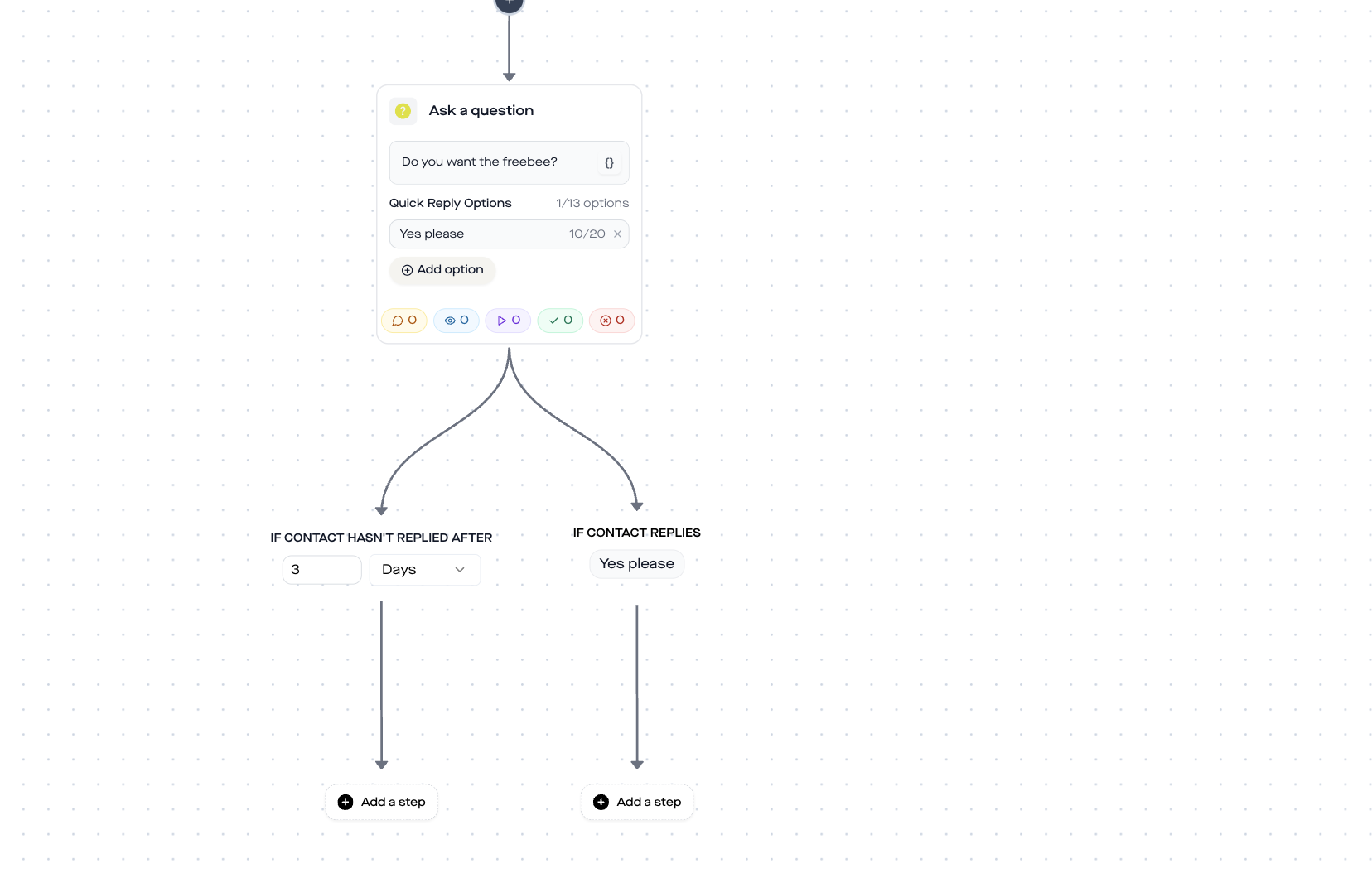
- Ask Question: service selection via quick-reply buttons
- Send Link, Trackable Calendly/Cal.com link for the appropriate service
- Time Delay + Reminder, Reminder before the appointment
Block 1: Trigger – „TERMIN“ as the entry signal
Two trigger options make sense, depending on how your customers contact you:
Option A: Comment trigger (Comment-to-DM)
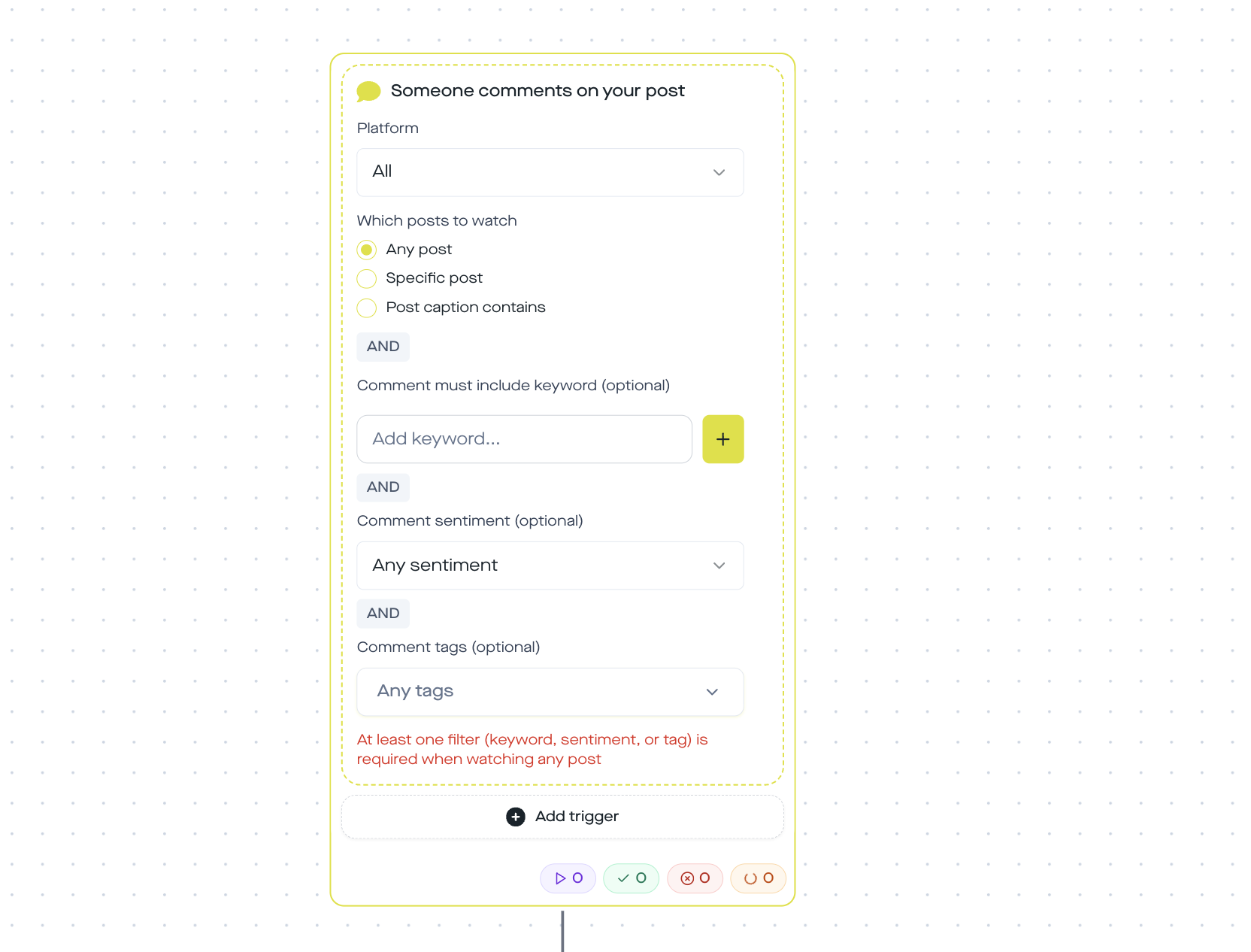
In replient.ai, choose the „Someone comments on your post“ trigger and configure:
- Post scope: „Any post“ or „Specific post“ (e.g. your booking reel)
- Keyword: „TERMIN“ (or „BUCHEN“, „TERMIN BUCHEN“)
- Matching: Case-insensitive – whether someone writes „Termin“, „termin“ or „TERMIN“, the flow starts
Option B: Inbound DM trigger
Choose „Someone sends you a DM“ with a keyword filter for „TERMIN“, „Buchen“ or „Appointment“. This way you also catch direct messages, not just comments.
Pro tip: You can run both options as two separate automations in parallel. The comment option catches public inquiries, the DM option private ones. In the replient.ai trigger setup simply add multiple keywords to the filter list.
In code, replient.ai uses the post_comments and incoming_dm trigger with stored keywords[]. Matching is case-insensitive and checks with .includes() whether the keyword occurs in the text.
Block 2: Send Message, personalized greeting
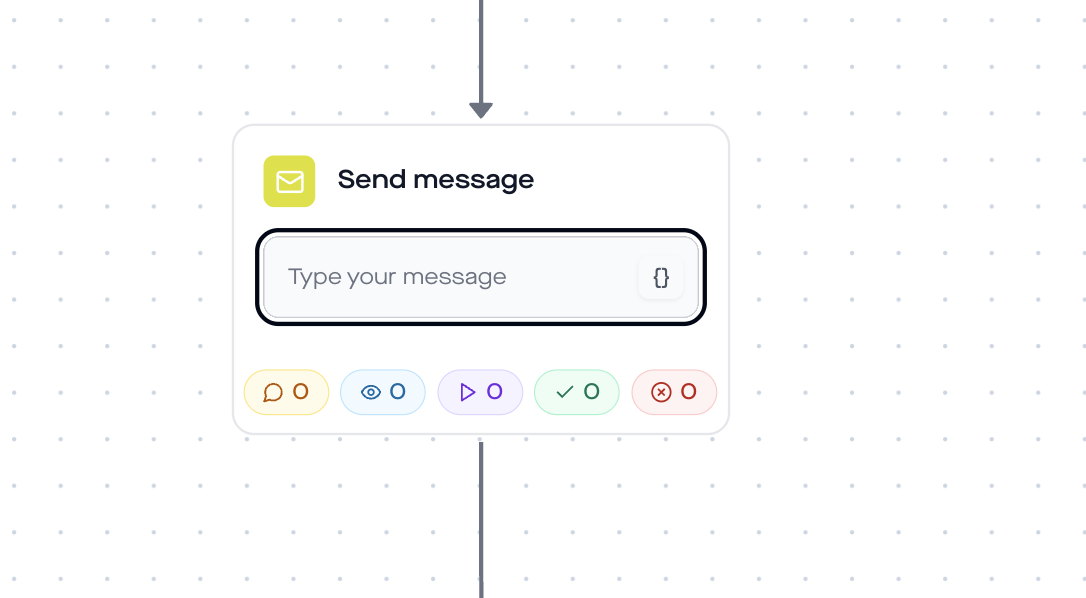
As soon as someone triggers it, the first DM goes out. The „Send Message“ step sends a personal message:
Copy-paste template: Hey {{contact.username}} – great that you want to book an appointment! I'll show you my available times in a moment. One quick question first:
Personalization: In replient.ai these variables are available to you:
{{contact.username}}: Instagram username{{contact.name}}: Display name{{contact.followerCount}}: Follower count{{automation.currentDateTime}}: Current date and time
Personalization makes the difference. According to Salesforce, 73% of consumers expect companies to understand their individual needs. „Hey @sarah.vienna“ feels personal – a generic reply does not.
Block 3: Ask Question, service selection via button
The decisive step that sets this flow apart from simply sending a link: the service selection. In the „Ask Question“ step you give the customer quick-reply buttons through which they select their desired service.
Copy-paste template (question): Which appointment would you like to book?
Button options (photographer example): – Wedding shoot – Portrait shoot – Business photos
Button options (coach example): – Initial consultation (free) – 1:1 coaching – Group coaching
Configuration in the builder:
- Up to 13 quick-reply options (max. 20 characters per option)
- Each option creates its own branch in the flow
- Timeout branch: „If no response after X days“
Each button option leads to a separate branch – and thus to a different booking link. A photographer sends a different Calendly link for „Wedding shoot“ than for „Business photos“. A coach routes the free initial consultation to a 30-minute slot, and 1:1 coaching to a 60-minute slot.
Why the preselection is worth its weight in gold: Without a service selection you get bookings on the wrong calendar. A wedding photographer who offers a 30-minute slot for an introductory call and a whole Saturday for a shoot needs two different Calendly events. The Ask Question branching logic in replient.ai solves this elegantly.
Block 4: Send Link, Calendly/Cal.com integration
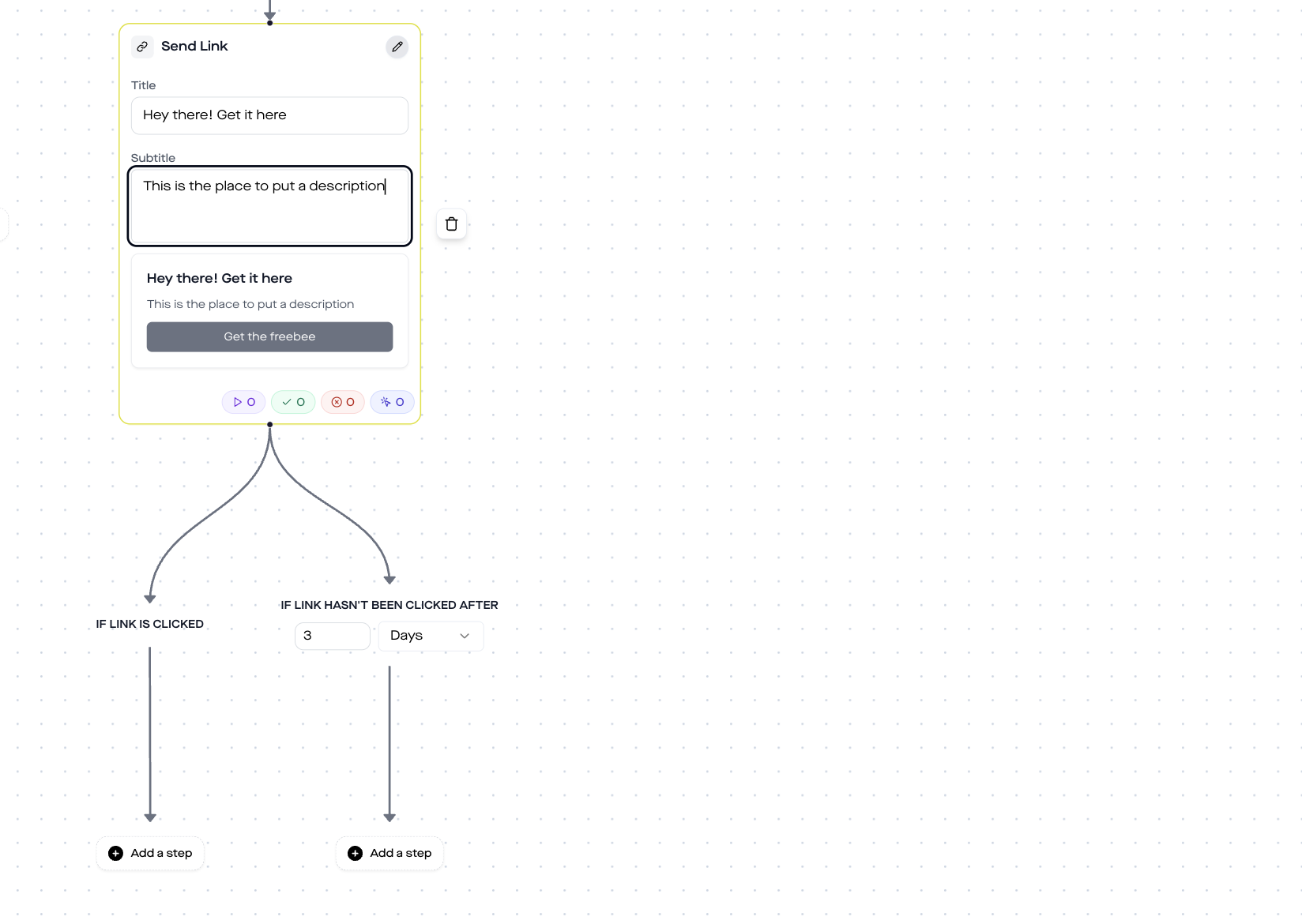
Depending on the selected service, the flow sends a different booking link. The „Send Link“ step automatically creates a tracked short link that redirects to your booking page.
How to configure the Send Link step:
- Provide booking URL (Calendly, Cal.com, Acuity Scheduling, SimplyBook.me, or your own booking tool)
- Define button text (e.g. „Book appointment now“)
- Optional: subtitle with context (e.g. „Wedding shoot · 2h · from 890 EUR“)
Branching after click: The Send Link step offers two automatic branches:
- Link clicked → Flow continues (schedule a reminder)
- Link not clicked after X days → Send follow-up DM
The click-tracking link automatically captures how many prospects actually opened the booking link. You can see it directly in the replient.ai analytics.
Tool integrations for the booking page:
| Tool | Ideal for | Price (from) |
|---|---|---|
| Calendly | Coaches, consultants, B2B | Free (1 event type) |
| Cal.com | Developers, open source | Free (self-hosted) |
| Acuity Scheduling | Salons, therapists | $20/month |
| SimplyBook.me | Hairdressers, studios | Free (50 bookings) |
| Google Calendar links | Minimalist | Free |
Module 5: Time Delay + Reminder DM
The last module reduces no-shows. You set a time delay and send a reminder DM before the appointment:
Copy-paste template (reminder): Hey {{contact.username}} – quick reminder: your appointment is tomorrow! If you need to reschedule, just message me here. Looking forward to seeing you!
Configuration:
duration: 1 (e.g. 1 day before the appointment)unit:days(Options: minutes, hours, days)
No-shows are a real problem for service providers. According to the Zenoti Beauty & Wellness Benchmark Report (2025), the average no-show and cancellation rate in the beauty sector is around 21%. Automated reminders cut no-shows to under 5% – a reduction of up to 70% (Shortcuts Software, 2025). An Instagram DM has the advantage that, with a ~90% open rate, it gets read far more often than an SMS or email.
Manual vs Automation: The direct comparison
What happens without automation? You type. You forget DMs. You lose bookings. Here is the comparison:
My brother Markus manages several service-provider brands as a performance marketer. His running joke: „They post a reel at 8 PM, the inquiries come in at 10 PM, and by 8 AM the intent is gone.“ This is exactly the timing problem the automation solves – it replies even at 11 PM on a Sunday, in seconds.
GDPR, Meta policies and security
Three questions always come up with appointment scheduling flows:
Is this GDPR-compliant?
Yes. replient.ai is GDPR-compliant as a European company and processes all data on EU servers. The DM automation uses the official Meta Graph API, no scraping, no gray area. Important: Do not ask for sensitive health data in the flow (Art. 9 GDPR). The appointment booking itself takes place on the external booking page, not in the DM.
Does Meta allow this kind of automation?
Yes. replient.ai is an official Meta Business Partner. The automation uses the Messenger Platform API, which is designed specifically for this use case. As long as you do not send unwanted mass DMs (which the flow does not do, it only responds to user-initiated interactions), you are within Meta's policies.
What about appointment booking tools?
The flow sends a link, the actual booking takes place on Calendly, Cal.com, or your booking tool. The respective tool's privacy policy applies there. replient.ai does not store booking data, only the DM interaction.
Who this flow is for
This appointment scheduling flow works for any service provider who acquires customers via Instagram:
- Photographers, automatically turn shoot inquiries into bookings
- Coaches & consultants – let people book initial calls and 1:1 sessions
- Hairdressers & beauty studios – offer appointment slots around the clock
- Personal trainers, trial training sessions and consultation appointments
- Therapists & alternative practitioners – first appointments and follow-ups
- Agencies, strategy calls and audits
The common denominator: your customers discover you on Instagram, have immediate intent, and you need a way to convert that intent into a booking, without typing DMs manually.
Set up your booking flow now
- Create a replient.ai account (14-day free trial) or log in
- Connect your Instagram Business account
- Go to Automations → New Automation
- Choose triggers, add the steps, and you're live
The whole setup takes under 10 minutes. After that the flow runs around the clock, even while you're shooting, in a coaching session, or off on the weekend.
You'll find more DM automation templates in our template overview. If you want to dive deeper into DM automation, read our complete DM automation guide.
Frequently asked questions
How can I set up automatic DMs on Instagram?
With replient.ai you create a DM automation flow in under 10 minutes: choose a trigger (comment or inbound DM), add action steps (Send Message, Ask Question, Send Link), and activate. The flow automatically responds to any interaction that contains your keyword.
Can I send different booking links for different services?
Yes. The Ask Question step offers quick-reply buttons, each leading to its own branch. Each branch can contain a different booking link, for example Calendly link A for coaching and Calendly link B for workshops.
Does this also work with my existing booking tool?
Yes. The flow sends a trackable link to any URL. Whether Calendly, Cal.com, Acuity, SimplyBook.me, or your own booking system, as long as it has a URL, it works.
Is Instagram DM automation allowed by Meta?
Yes. replient.ai uses the official Meta Graph API as a certified Meta Business Partner. The automation responds only to user-initiated interactions and does not violate Meta's policies.
How can I reduce no-shows with the flow?
The Time Delay step sends a reminder DM before the appointment, for example 24 hours beforehand. DMs have an open rate of about 90%, significantly higher than SMS or email reminders. That alone can reduce no-shows by up to 40%.
Do I need an Instagram Business account?
Yes. The Meta Graph API that replient.ai uses requires an Instagram Business or Creator account. A private profile cannot be connected to DM automations.
How much does replient.ai cost for DM automation?
DM automations are available from the Pro plan (from €129/month excl. VAT, 4,000 credits). In the 14-day free trial, no credit card required, you can set up the booking flow right away. A triggering comment costs 0.1 credit; incoming and outgoing DMs without AI use no credits. You'll find current pricing at replient.ai/preise.
About the author

Co-Founder, replient.ai
Thomas is a co-founder of replient.ai and works on AI-assisted comment management for social media. He writes about automation, community management and efficient comment moderation for growing brands.