Summarize this with
 ChatGPT
 Claude
 Gemini
 Perplexity
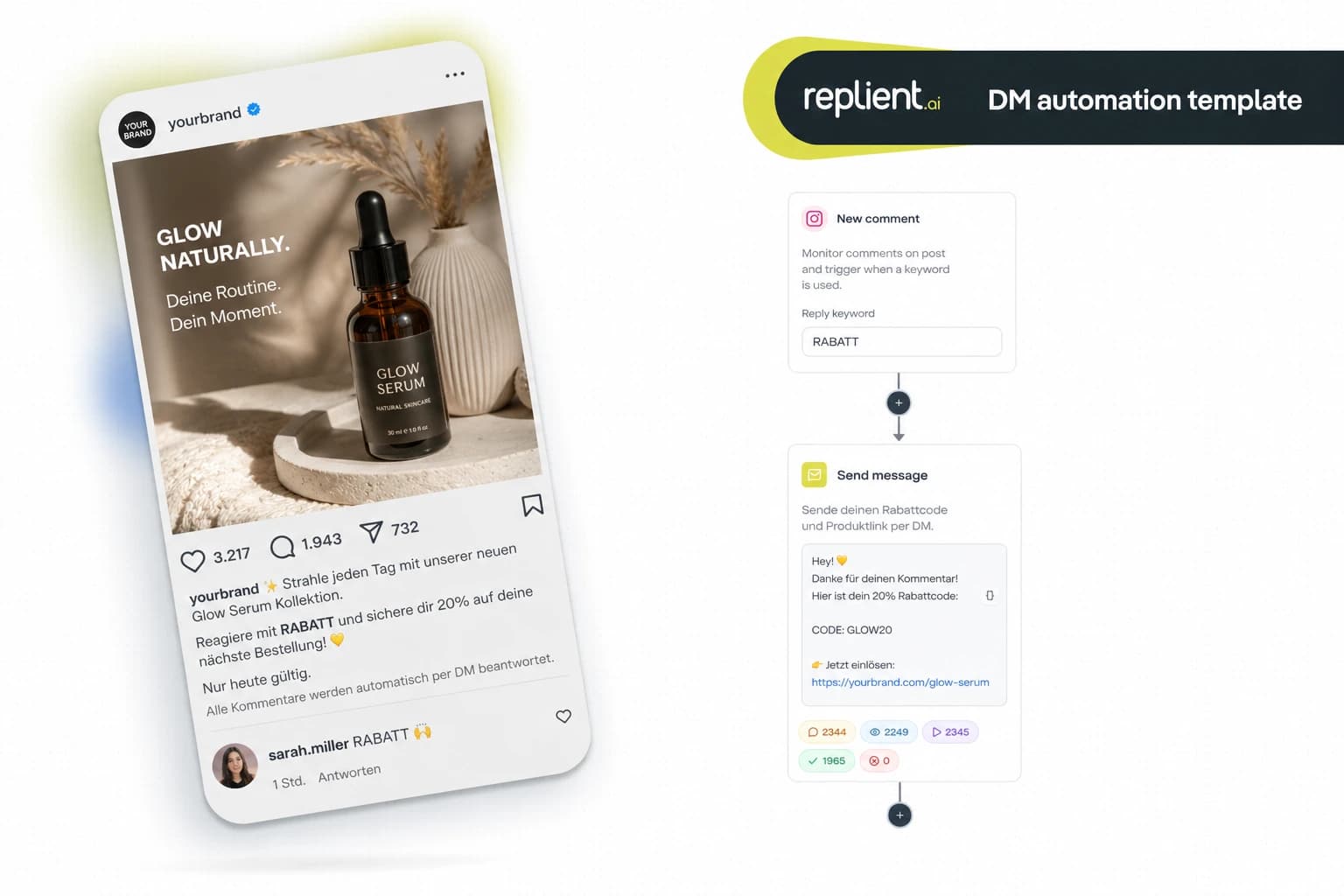
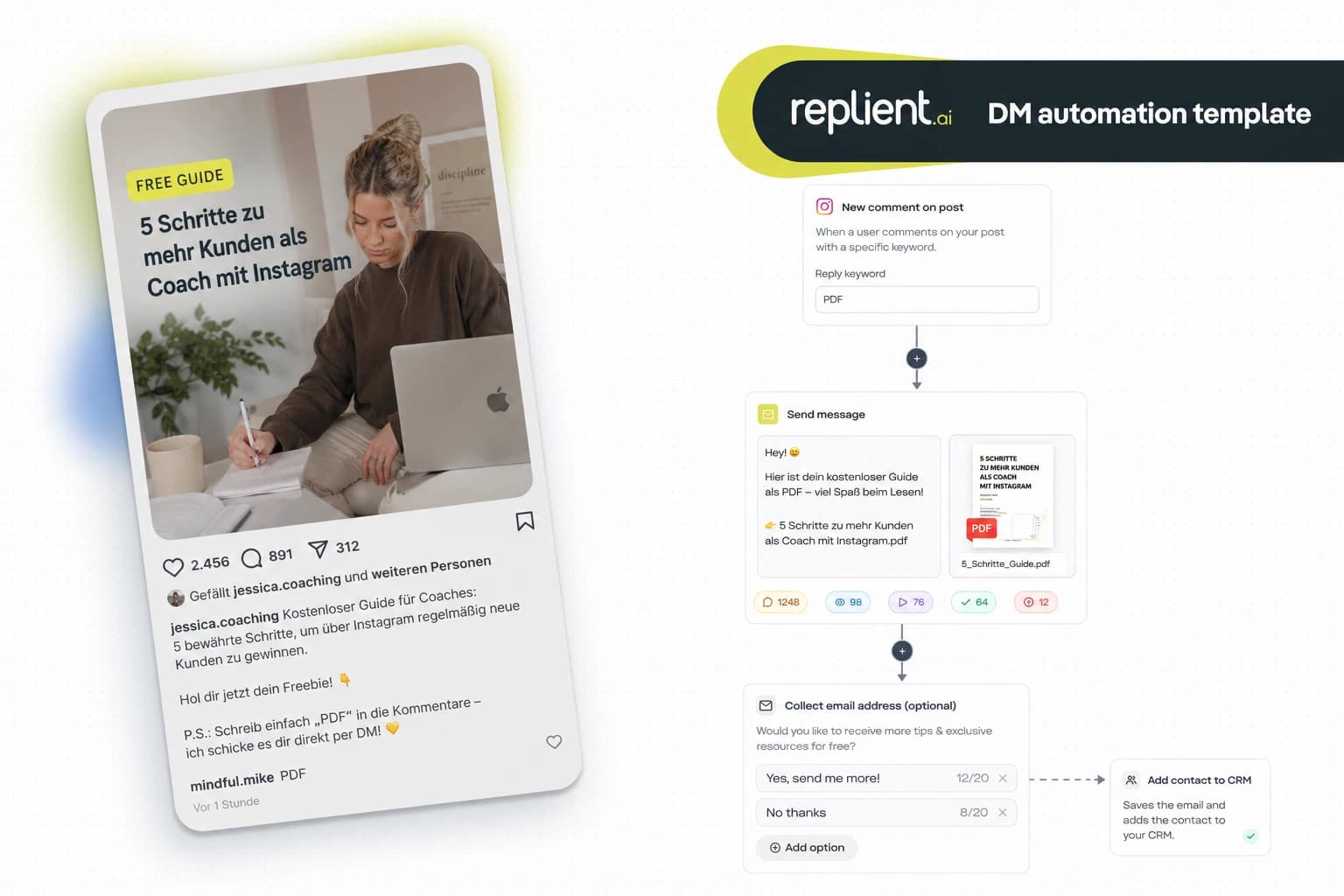
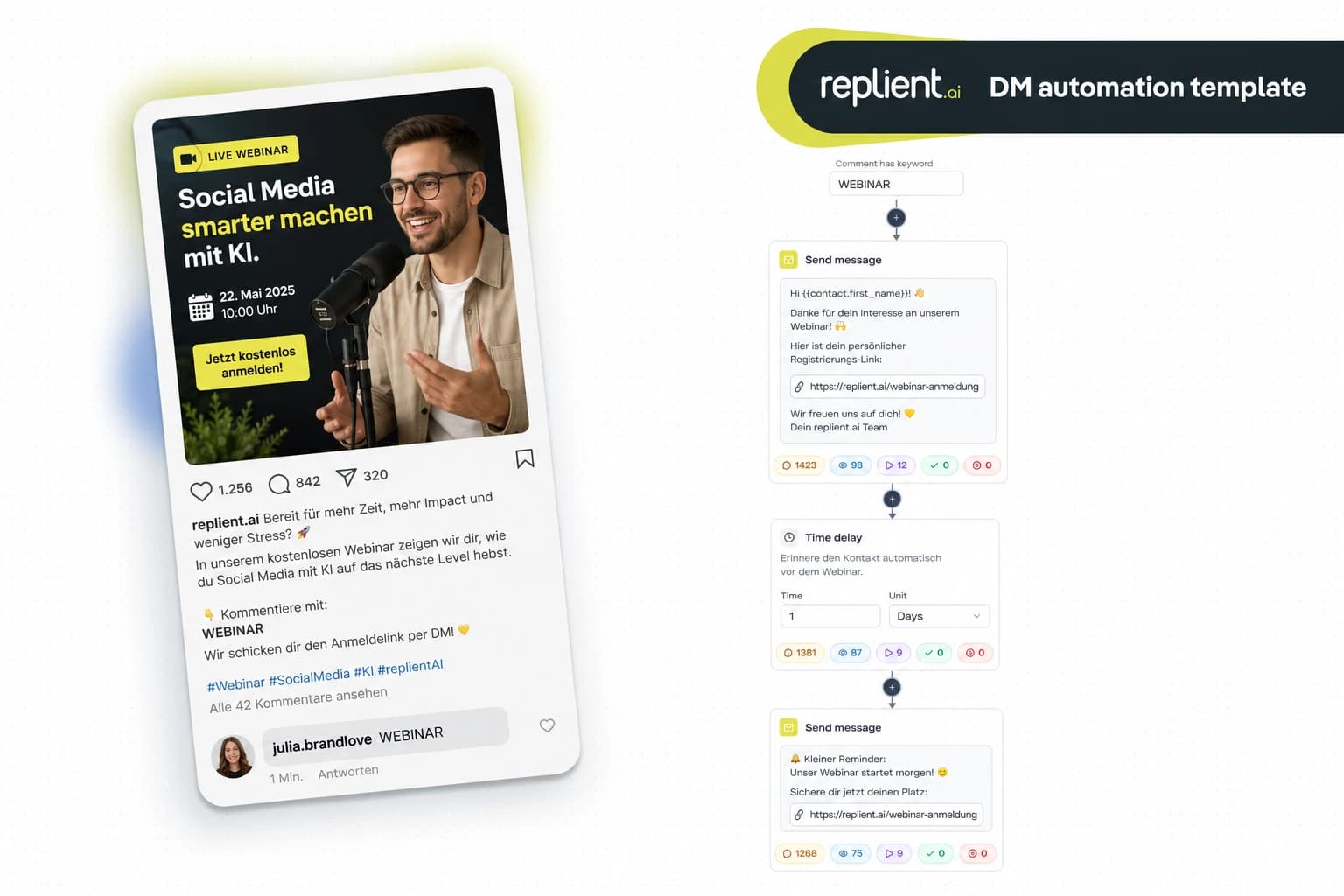
Preview of the DM automation 👇
TL;DR: Someone replies to your Instagram Story, and immediately receives a personal voice message from you via DM. No typing, no copy-paste, no delay. In this template you build a Story Reply audio flow in under 5 minutes with replient.ai. You record the voice memo once, the rest runs automatically. GDPR-compliant, Meta Business Partner, Instagram only.
Last week, in an onboarding call with two founders of a skincare brand: we showed them the Story Reply Trigger and one of them immediately said, "This feels like fan buzz, especially when you can then also send voice messages. Hey, I saw that you don't follow me yet, I don't think that's OK." We all laughed, but he had a point. A voice message in the DM feels personal. Not like an automated text, not like a bot, but like a human who takes the time. My brother Markus always says, "Every DM that feels like a real message converts better than one that is obviously automated." And that's exactly what audio does: it sounds real, because it is real.

Why audio DMs convert better than text
A voice message conveys something that text cannot: tone, energy, personality. And the numbers confirm it.
- The human voice beats generic text by 34% in perceived trust. Someone who hears your voice trusts you faster than after a typed message (Voices 2025 Trends Report, 2025).
- 90% open rate for DMs vs. ~20% for emails. Your voice message lands where it is guaranteed to be heard (Backlinko, 2025).
- 500 million daily Story users worldwide. Your audience is already in the Stories, and the Story Reply Trigger catches them right there (Statista, 2025).
- 391% higher conversion when you reply within one minute. The flow replies in under 10 seconds, faster than any human handling 30+ story replies at once (LeadResponse, 2026).
The effect: followers who receive a personal voice message reply more often, follow more often, and buy more often. Because the interaction does not feel like marketing, it feels like a real conversation.
The complete flow: What we are building today
This flow uses the Story Reply Trigger and automatically sends a pre-recorded voice message via DM, plus optional follower qualification.
- Trigger, Story Reply (any reply or keyword)
- Time Delay, 30 second pause (feels more natural)
- Send Audio, personal voice message from the creator/founder
- Ask Question (optional), qualification via button selection
Who is this template for?
- Creators and influencers, who want to personally thank new followers or story interactions, without recording every DM individually
- Coaches and consultants, who build trust with voice memos and at the same time point to their offering
- Personal brands, who want to convey their brand voice: tone, energy, authenticity
- Musicians and artists, who want to surprise fans with a personal message
- Agencies, that set up this flow for creator and coaching clients
Step by step: set up the voice message flow
Module 1: Story Reply Trigger
The trigger fires when someone replies to your Instagram Story. For this template I recommend setting the trigger to "Any message", so every story reply launches the flow. No keyword needed, because you want to reward every interaction with a personal audio message.
Configuration:
- Trigger: Someone replies to a story
- Message: Any message (or optionally: specific keywords)
- Platform: Instagram
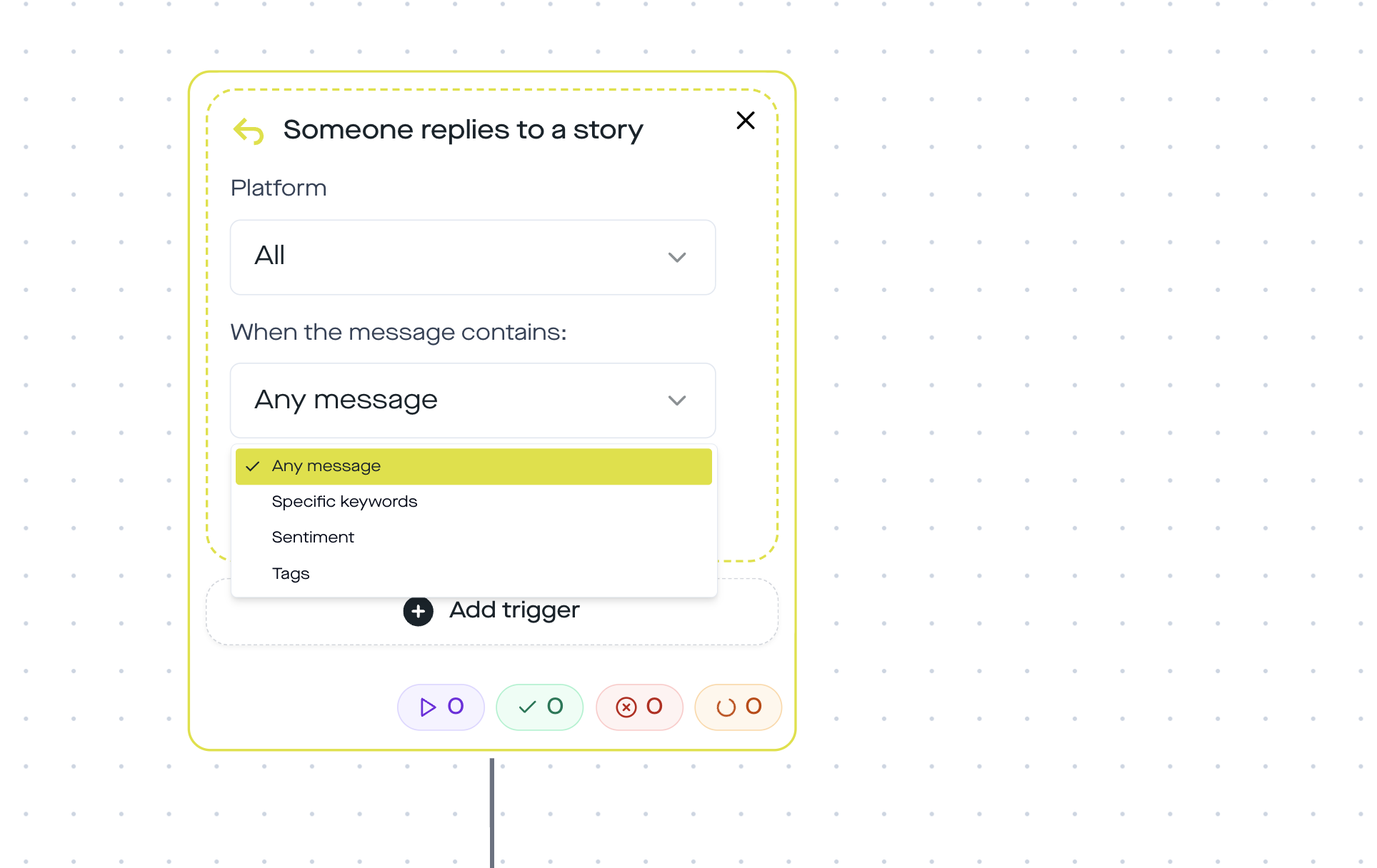
In your Story you don't need a special CTA with a keyword. A simple "What do you think?" or a question sticker is enough. Every reply triggers the flow.
Module 2: Time Delay (30 seconds)
Why wait? Because a reply after 0.5 seconds feels unnatural. A 30-second delay simulates the time a human needs to open a DM and record a voice message. That sounds like a detail, but it makes the difference between "obviously automated" and "wow, they actually replied to me".
Module 3: Send Audio Message
This is where the magic happens. You record your voice message once directly in the replient.ai Automation Builder, using your microphone, up to 60 seconds, and it will be automatically sent for every story reply.
Example message (20 to 30 seconds):
"Hey! Thanks for reacting to my Story, that really makes me happy. I'm [Name], and if you have questions about [topic], just write to me here. I'll reply personally. See you soon!"
Supported formats: AAC, M4A, WAV, MP4 (max. 50 MB)
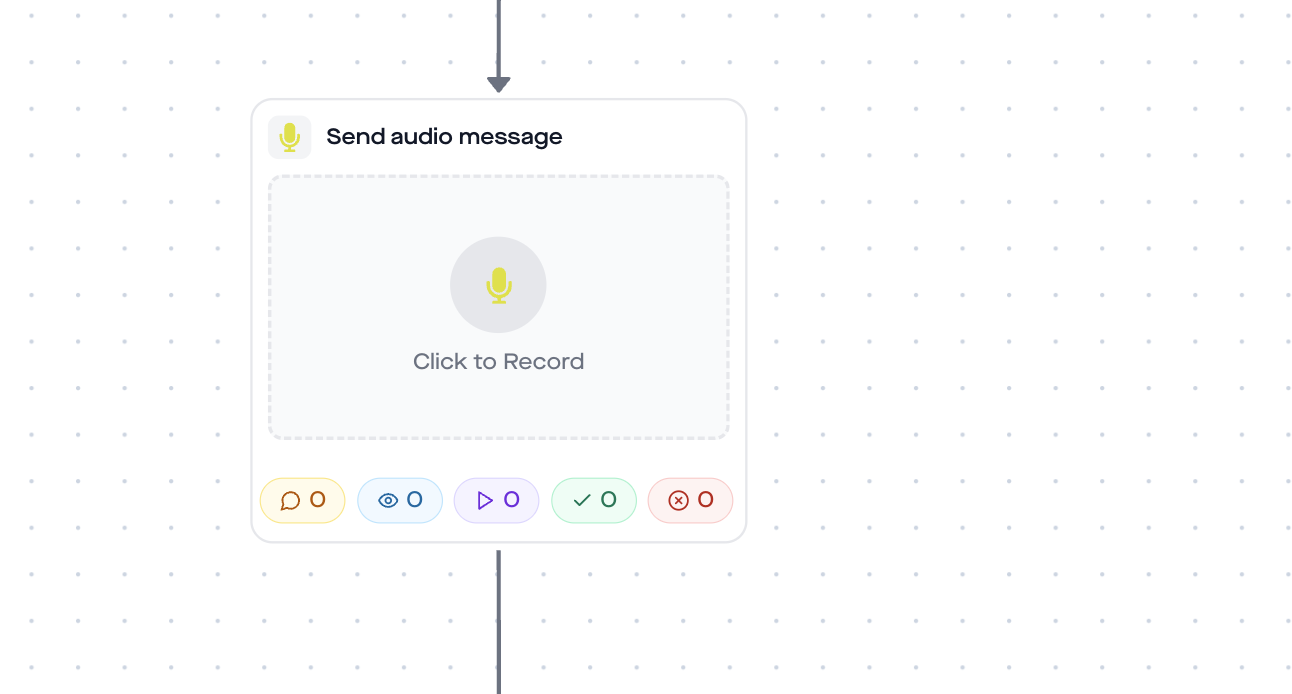
A customer in an onboarding call nailed it: "They have the audio message, ManyChat doesn't have that. If we add the Story Reply Trigger to it, that's next level." That's exactly what we're building here.
Module 4 (optional): Ask Question
After the voice message, you can ask a follow-up question via button selection. That qualifies the follower and gives you data for later segmentation.
Example:
"What interests you most?"
– Button 1: Training tips
– Button 2: Nutrition
– Button 3: 1:1 Coaching
Depending on the answer, you can set a conversation tag (e.g. interest-training, interest-coaching) and follow up later in a targeted way.
This is what the finished flow looks like in action
In last week's onboarding call, Thomas showed the founders exactly this flow: "Story Replies to a Story is a very, very good automation. When someone replies to your Story, you send them a voice memo right away with 'Hey, cool that you're here among my followers'." The reaction: set up immediately.
Why this template only works on Instagram
The Story Reply Trigger is Instagram-exclusive. The Meta Graph API provides the story_reply webhook only for Instagram, Facebook Pages have no equivalent for story replies. The Send Audio Step also works exclusively on Instagram.
If you want to send automated DMs on Facebook too, use the Comment-to-DM trigger with a Send Message Step instead. You'll find the complete guide in our DM automation guide for Instagram and Facebook.
Best practices for audio DM flows
- Keep it short. 15 to 30 seconds is enough. Longer voice messages are less likely to be listened to in full. Say your name, thank them, give a concrete next step.
- Record in a quiet environment. Background noise destroys the personal touch. A smartphone microphone in a quiet room is enough. Studio quality is not necessary.
- Be yourself. Don't read from a script, no marketing speak. Speak like you would talk to a friend. That's exactly what makes audio stronger than text, you can hear if it's real.
- Combine with Ask Question. A voice message opens the door, the follow-up question qualifies. That way you know who is really interested, and in what.
- Use Story Highlights. Save your best stories as highlights. The flow keeps running, even if the story disappears after 24 hours. New followers can trigger the flow via highlights at any time.
Analytics: What you should track
In the replient.ai dashboard you can see the performance per automation step:
- Trigger rate: How many story replies did the flow capture?
- Delivery rate: How many audio DMs were delivered?
- Reply rate: How many followers replied after the voice message?
- Ask Question conversion: How many answered the optional question?
Data protection & GDPR
- EU servers: replient.ai processes all data on EU servers. A DPA (data processing agreement) is in place.
- Meta Business Partner: replient.ai uses the official Instagram Graph API. No scraping, no browser automation, no shadowban risk.
- Opt-in through interaction: The story reply is a user-initiated conversation. The 24-hour messaging window applies automatically.
- Audio storage: Your recorded voice message is securely stored in the cloud and is accessible only to your brand. No brand can access another brand's audio files.
FAQ
Are Instagram voice messages sent automatically? Not natively. Instagram itself does not offer a feature to automatically send voice messages. With replient.ai you record the voice memo once in the Automation Builder, and it will be sent as a DM automatically whenever it is triggered.
How long can the voice message be? Up to 60 seconds when recorded directly in the Builder. You can also upload longer pre-recorded files (AAC, M4A, WAV, MP4, max. 50 MB). Recommendation: 15 to 30 seconds for maximum impact.
Can I use several different audio messages in one flow? Yes. You can add multiple Send Audio Steps in sequence, for example a greeting, then after a pause a second message with a specific offer. There is no limit.
Do I need a keyword for the Story Reply Trigger? No. You can choose "Any message", so every story reply launches the flow. Or you filter by keywords if you only want to use the audio flow for certain reactions.
Does this also work on Facebook? No. The Story Reply Trigger and the Send Audio Step are Instagram-exclusive (Meta Graph API restriction). For Facebook, use the Comment-to-DM trigger with a Send Message Step.
Can followers transcribe the voice message? Yes. Instagram introduced transcription of voice messages in 2025. Recipients can view your audio DM as text, which is another reason to speak clearly.
What does replient.ai cost? There is a 14-day free trial with all Pro features, no credit card required. After that, DM automations are available from the Pro plan (from €129/month excl. VAT, 4,000 credits). Story replies and DMs sent without AI use no credits, and there is no contact limit. You can find current prices here.
Use this template
Want to set up the Story Reply voice message flow right away? Here's how:
- Create a replient.ai account (14-day free trial)
- Connect your Instagram Business or Creator account
- Go to DM Automations → Create new automation
- Choose the trigger "Someone replies to a story" → Any message
- Add Time Delay (30 sec.) → Send Audio Message as steps
- Record your voice message directly in the Builder
- Optional: Ask Question as a follow-up
- Activate the automation, done
From now on any follower who replies to your Story will automatically receive a personal voice message from you. Around the clock, 365 days a year, without you having to type a single DM.
If you'd rather send a link than audio via Story Reply, check out our Story Reply Link Template. For freebies via Story Reply there's the Story Reply Freebie Template. And if you want to know when automation generally pays off, we have a guide for that too.
About the author

Co-Founder, replient.ai
Thomas is a co-founder of replient.ai and works on AI-assisted comment management for social media. He writes about automation, community management and efficient comment moderation for growing brands.