DM Automations for Social Media
Have you ever seen a video where someone says: “Comment ‘eBook’ and I’ll send you the link via DM” – and suddenly the comments explode? Here you’ll learn exactly how to set that up!
no credit card required · 100% risk-free
Automate your DMs – How to send messages instantly when users comment
Turn engagement into real conversations with DM automation
Have you ever seen a video where someone says: “Comment ‘eBook’ and I’ll send you the link via DM” – and suddenly the comments explode?
But how do you make sure that every user automatically receives the message they want in their inbox, without you having to do it manually? That’s exactly what you’ll learn here.
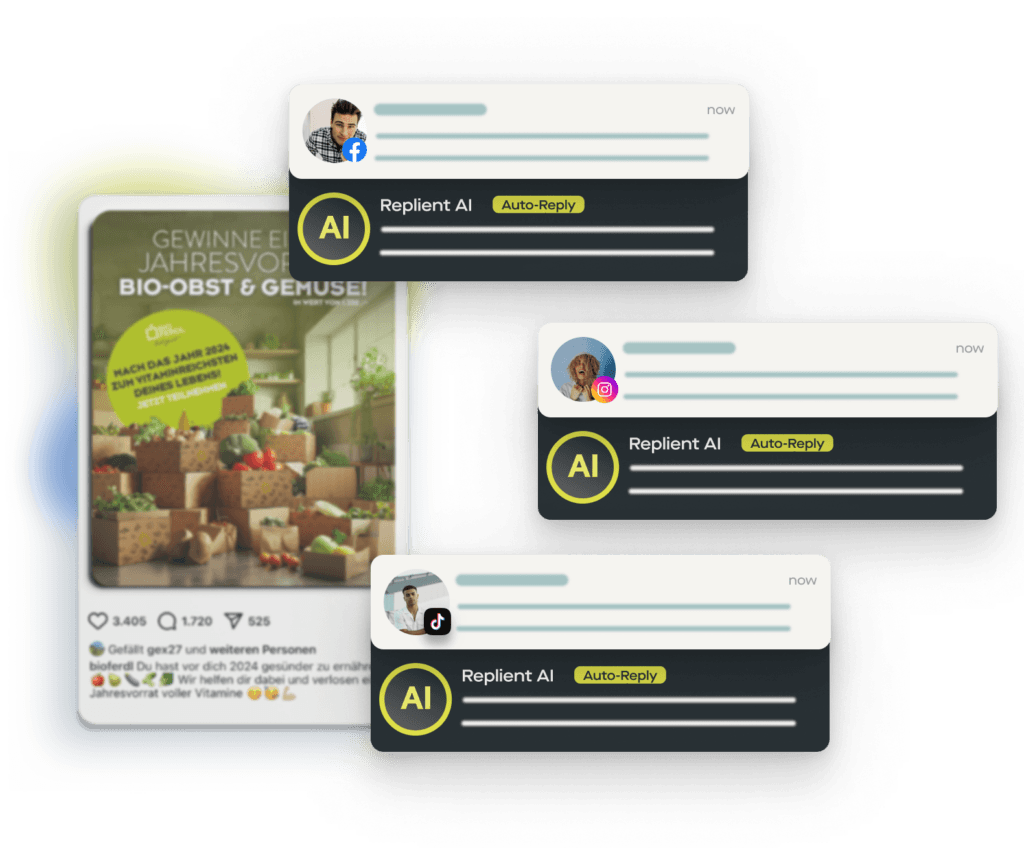
With replient.ai, you can automate DM replies so that every user who comments with a specific keyword instantly receives the link they want – effortlessly and at scale.
Step-by-step instructions: Setting up DM automation in replient.ai
Create a new automation rule
- Open the replient.ai dashboard and navigate to the Automations section.
- Click on “Add automation” and give it a name, e.g. “Freebie DM automation”.
Define the trigger condition
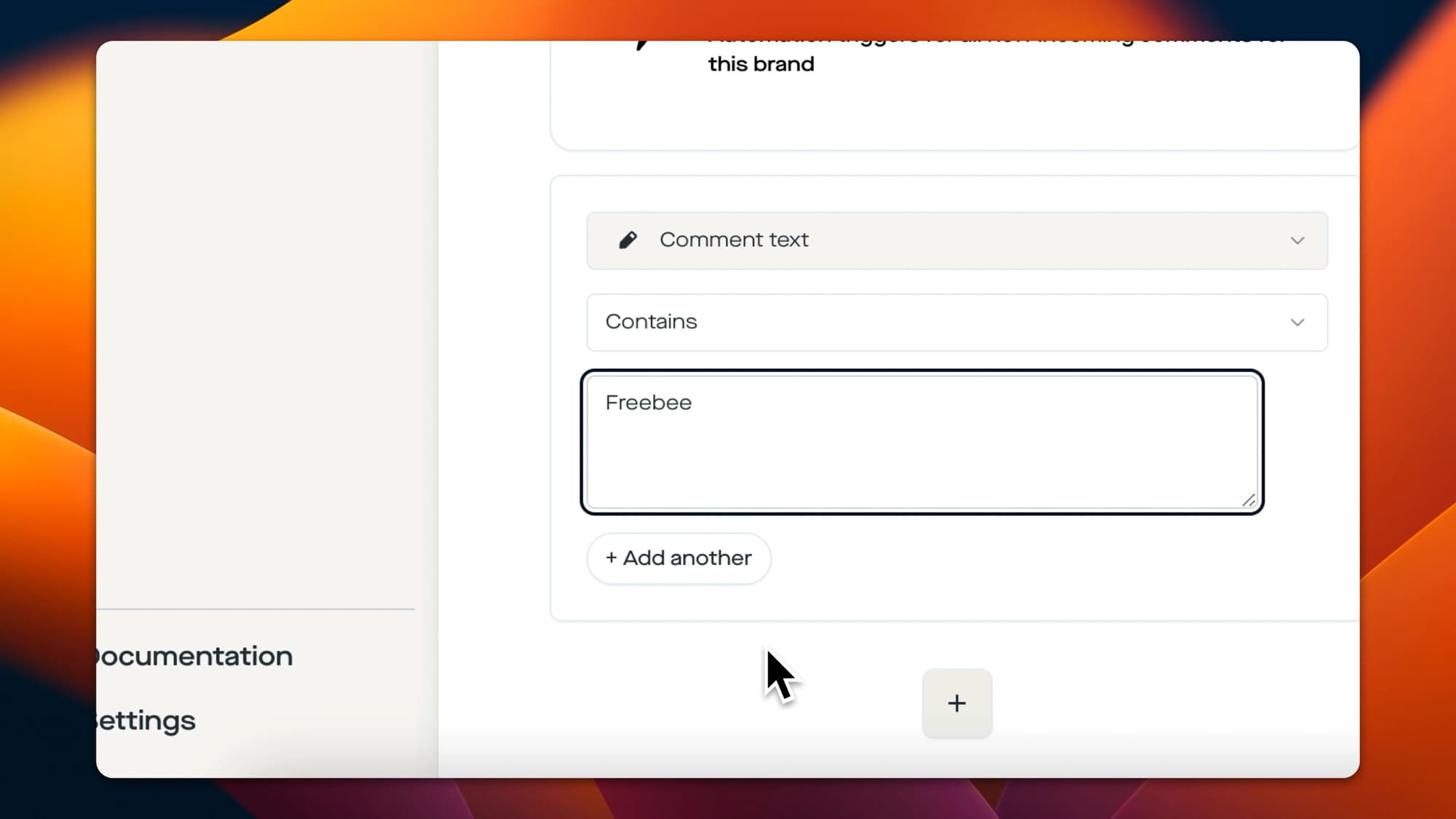
- Select “Comment contains” and enter the keyword that users should comment with, e.g. “Freebie” or “Guide”.
- Want to allow multiple keywords? Simply add them separately.
- Refine the automation by:
- Applying it to specific posts
- Restricting it to specific platforms (Facebook, Instagram, TikTok, etc.)
Configure the automated response
a) Send a private message (DM)
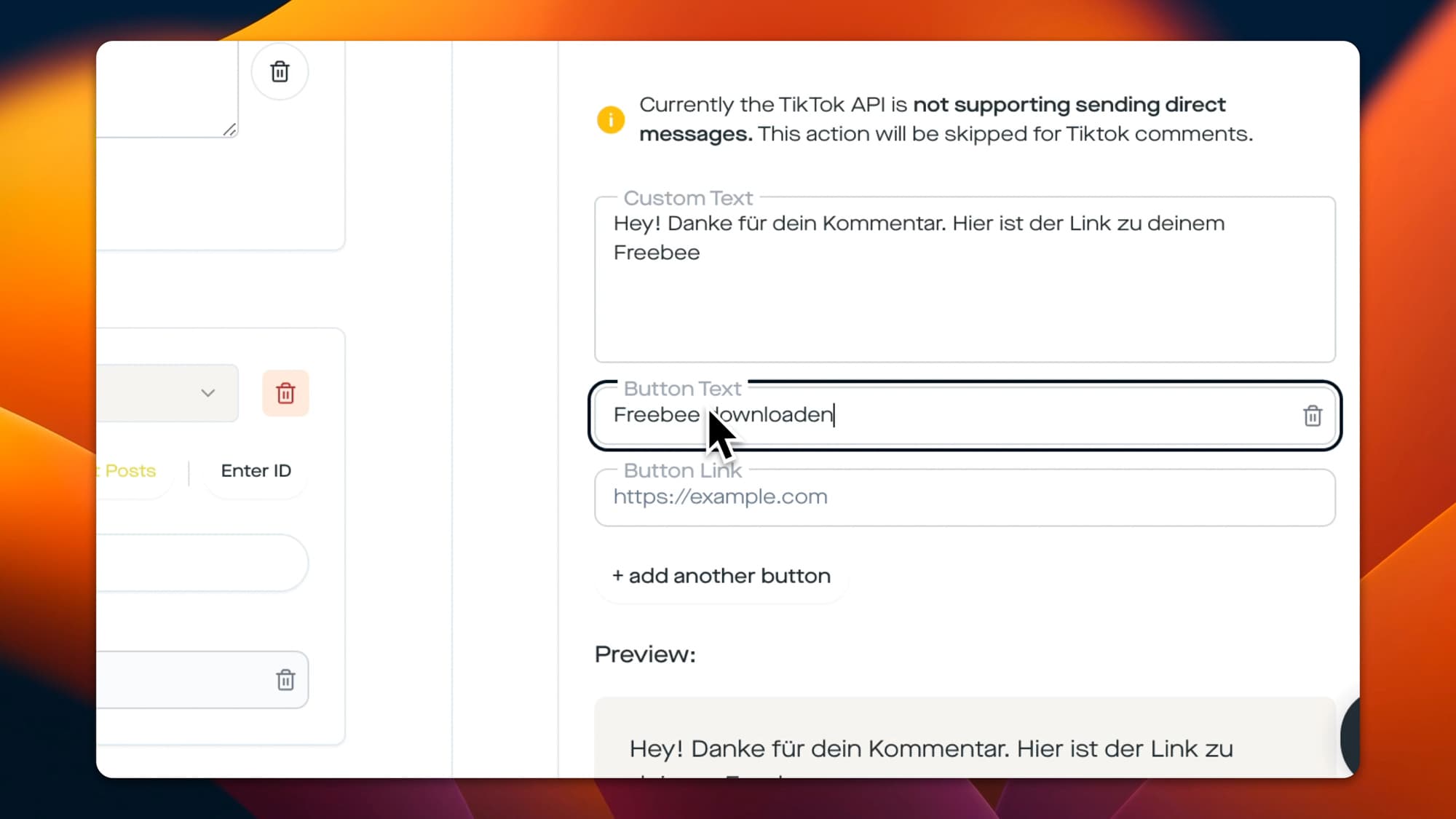
- Switch to the Actions tab and select “Send private message”.
- Write your DM, for example: “Hey, thanks for your comment! Here’s the link to your freebie.”
- Add a button to redirect users directly to your website, or attach the PDF of your freebie.
b) Reply to the comment publicly
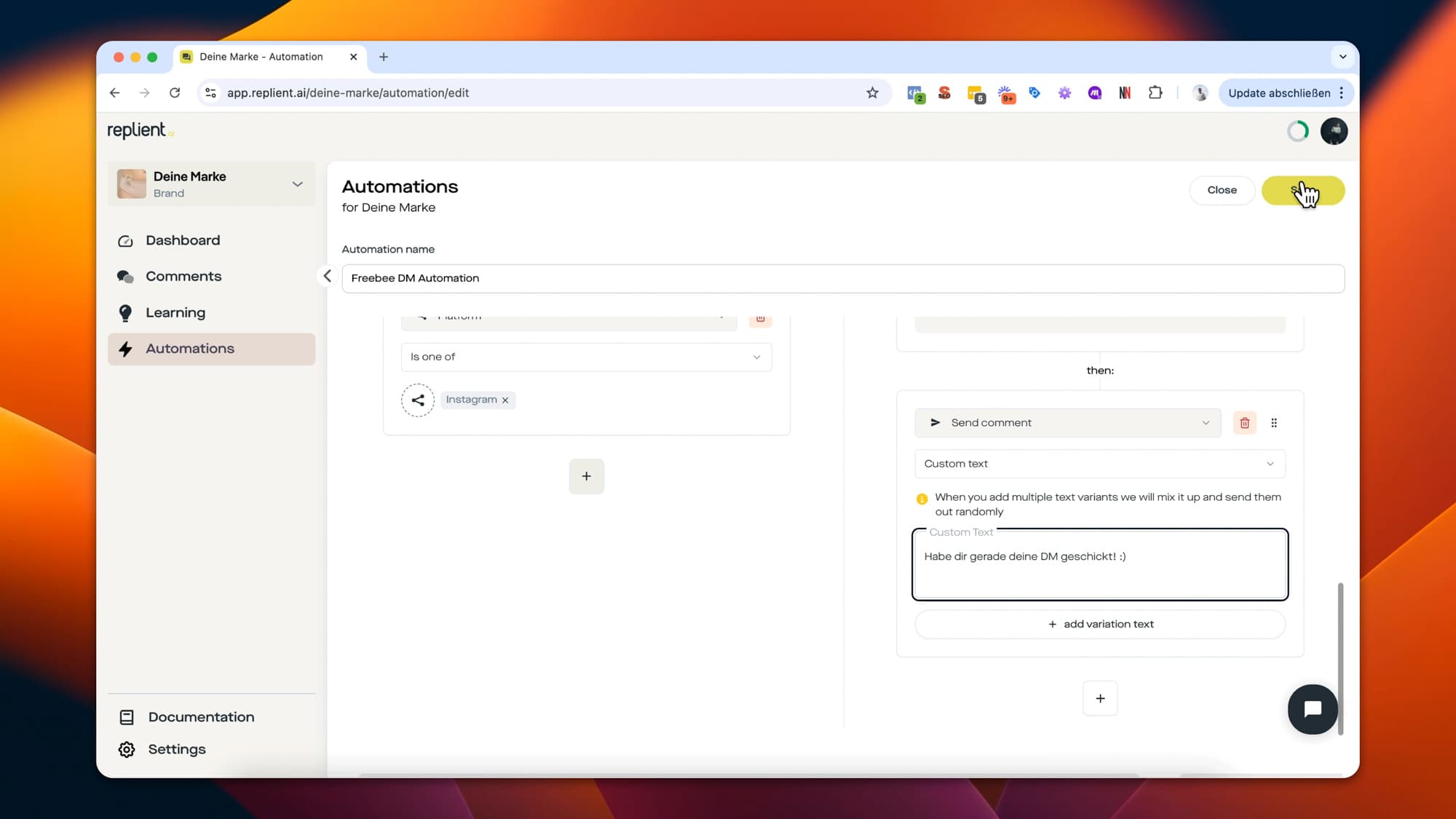
- Stay in the Actions tab, add “Send comment” and select “Custom text”.
- Create several reply variations to make it feel more natural, e.g.:
- “I just sent you a DM with your freebie!”
- “Check your inbox – your freebie is on its way!”
This way the replies don’t look identical and come across as organic.
Activate your automation
Click Save & Activate – and that’s it! From now on, replient.ai automatically sends a DM and replies to the comment as soon as someone comments with your chosen keyword.
Why DM automation is a game changer
- 🔥 Increases engagement – motivates users to interact with your post.
- 🔥 Turns comments into real conversations – start valuable interactions in DMs.
- 🔥 Better than “Link in Bio” – no extra steps needed, the link lands directly in the inbox.
Ready to save time?
Start your 14-day free trial and save up to 80% of the time spent on comment management!
Start now. It's free.no credit card required · 100% risk-free