Summarize this with
 ChatGPT
 Claude
 Gemini
 Perplexity
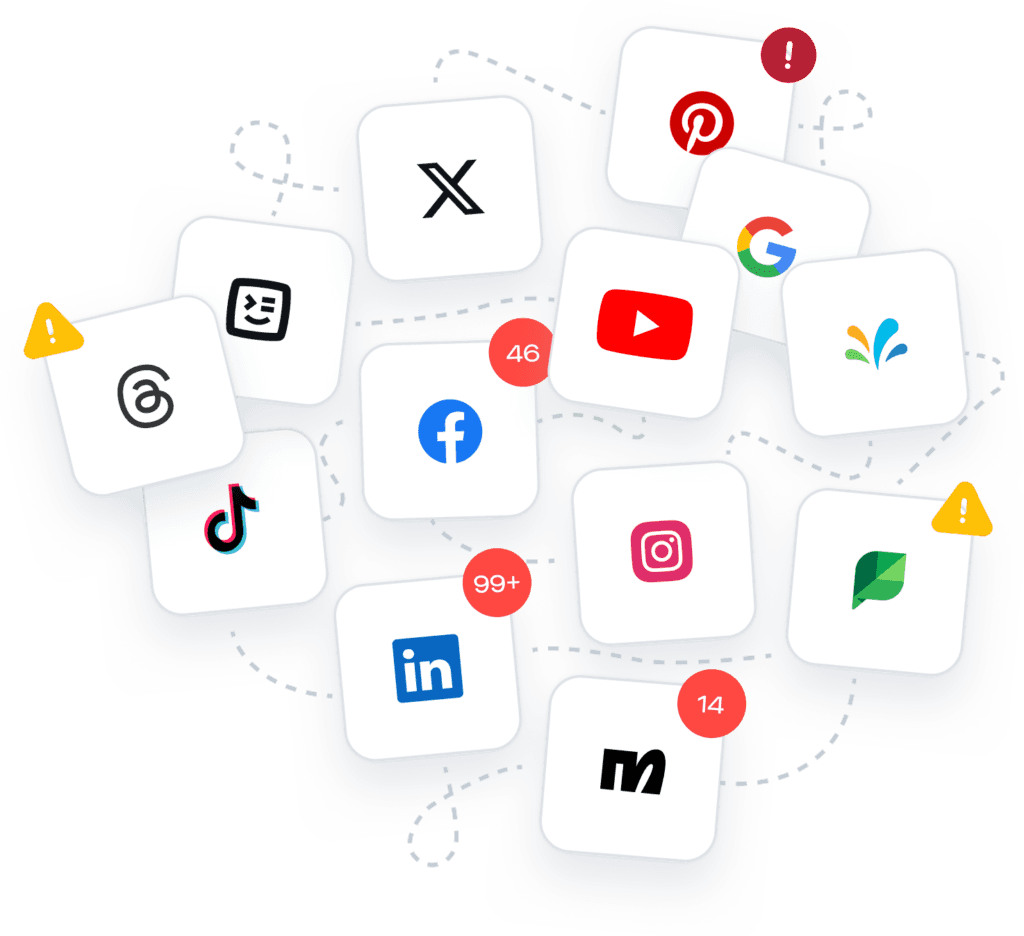
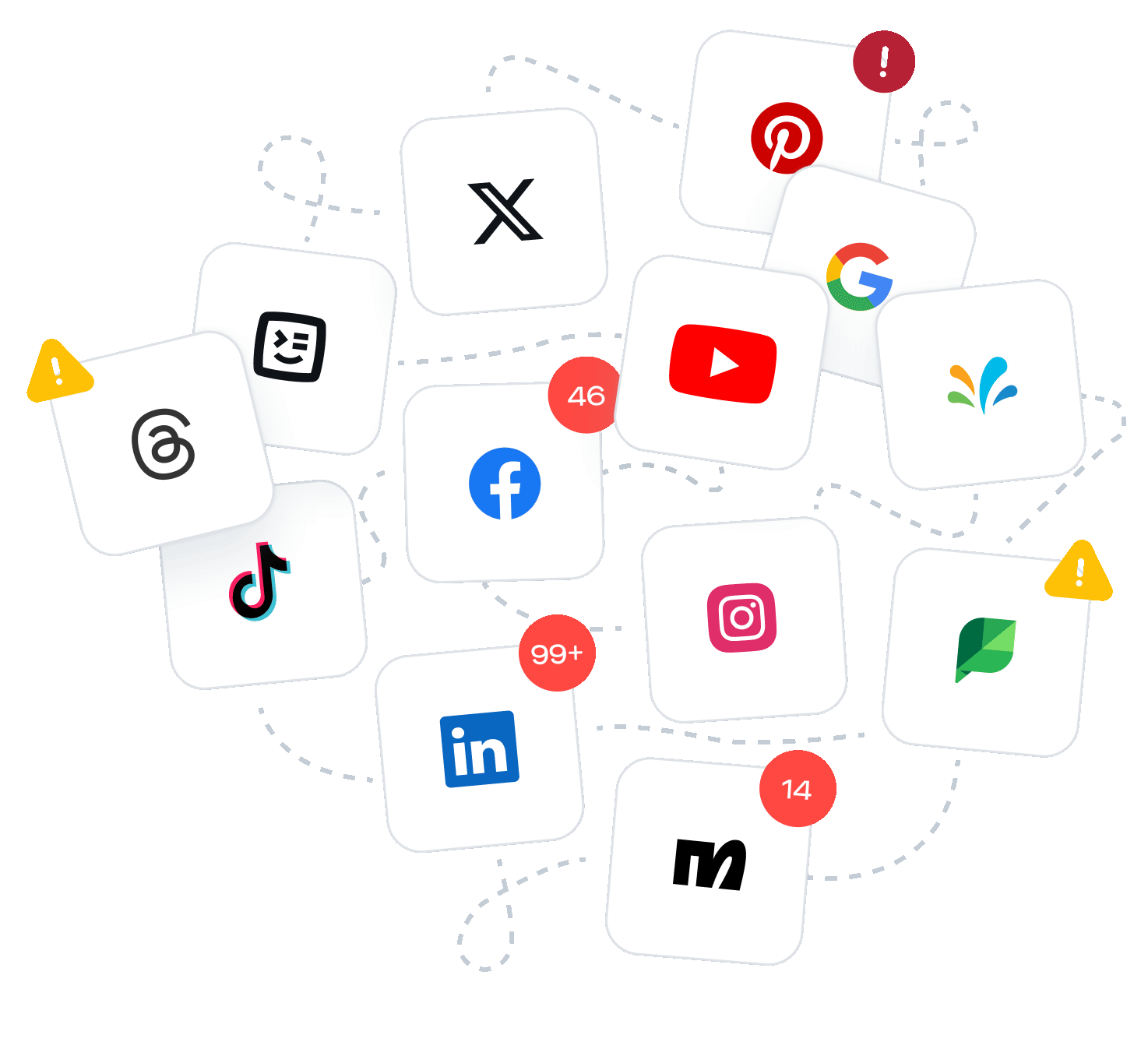
Markus, my brother and co-founder, once described it like this: "Ten shops in parallel, just the two of us, no team. Facebook, Instagram, and then TikTok came along. At some point we had a separate tab per platform and kept jumping back and forth between five browser tabs." That was three years ago. Today LinkedIn, YouTube, Google reviews and, for app brands, the Apple App Store and Google Play have been added. Eight channels, eight different interfaces, eight different comment logics.
We stopped on Friday evening and checked back on Monday. Five platforms, hundreds of new comments. Without a dashboard it was a Monday-morning nightmare. What changed and why a central social media comments dashboard is no longer optional today, that is what this practical guide is about.
Social Media Comment Management: The Complete Guide 2026
TL;DR: In replient.ai data, 76.5 % of all comments get no response at all: not answered, not hidden, not deleted (11.96 million comments from 5,562 brands, January 2025 to June 2026; replies made directly in Meta's or YouTube's own tools may not be captured). A central social media dashboard changes that, because no channel sits in a forgotten tab anymore. replient.ai brings 8 channels together (Facebook, Instagram, TikTok, LinkedIn, YouTube, Google reviews, Apple App Store and Google Play) in one dashboard instead of eight tabs.
Why is a social media dashboard for comments essential?
Even brands that use replient.ai answer only a small share of their comments: 8.97 % between January 2025 and June 2026 (replient.ai data, 11.96 million comments; replies made directly in Meta or YouTube tools may not be captured). Without a central dashboard, comments slip through the cracks, especially on the platforms you do not have open right now.
The problem is not lack of engagement. It's fragmentation. Anyone who monitors each channel manually is constantly switching between tabs. Facebook Business Suite, Instagram Creator Studio, TikTok Business Center, LinkedIn Page Admin, YouTube Studio, Google Business Profile, and for app brands App Store Connect and the Google Play Console on top. Each platform has its own notifications, its own delays, its own blind spots.
And then there is the weekend factor. Comments keep coming in while your team is offline. On Monday morning, hundreds of unread comments are sitting across six, seven or eight different channels. Who can still keep track at that point?
Which KPIs really matter in comment management
What makes each of the 8 channels different?
Facebook, Instagram, TikTok, LinkedIn, YouTube and Google reviews are the six social and review channels that matter most for e-commerce brands. If you also run an app, the Apple App Store and Google Play make it eight. Hiding shows how different the channels are: in June 2026, brands on replient.ai hid 11.0 % of all comments on Facebook and 10.6 % on TikTok, but only 3.1 % on Instagram (replient.ai data, 2.06 million comments). Each platform has its own rules, its own API limits, its own comment dynamics.
Here is an overview of the main differences, based on replient.ai data from June 2026 and our work with 900+ companies:
Facebook and Instagram: the volume kings
Meta platforms deliver the highest comment volume, especially on ads. On Facebook, brands on replient.ai hid 11.0 % of all comments in June 2026, on Instagram 3.1 %. The tone under ads is harsher: paid Facebook comments were 3.0 times as often negative as organic ones (36.9 % vs. 12.2 % of classified comments, replient.ai data). Anyone running ads who does not actively manage comments loses reach and conversions. How you handle negative comments under ads directly shapes your ROAS.
TikTok: spam hotspot with algorithm boost
TikTok is almost level with Facebook on hiding: 10.6 % of all comments in June 2026 (replient.ai data). At the same time, the algorithm rewards active comment sections. Replying to comments on TikTok is not a nice-to-have, it is a reach lever. Replying to comments boosts engagement on Instagram by 21 % and on Facebook by 9.5 % (Buffer, 2026).
LinkedIn, YouTube and Google Reviews: the forgotten channels
LinkedIn has less volume, but higher quality per comment. YouTube comments often come in late. And Google Reviews? That is often the most neglected channel. "Most brands respond to everything on Instagram and Facebook, but Google reviews are left unattended. Yet Google is often the first touchpoint," Thomas explained in an interview.
Answer Google Reviews with AI: how it works
Apple App Store and Google Play: reviews for app brands
For brands with their own app, store reviews are channels seven and eight. They feed straight into your rating, your store ranking and the download decision. Unlike social comments, you cannot hide or delete reviews there, only reply. That makes a fast, factual reply in your brand voice all the more important. replient.ai replies to reviews on the Apple App Store and Google Play in the same dashboard as your social comments.
Before vs. after: how does a central dashboard change your workflow?
Manual comment moderation eats time because it is spread across up to eight different channel interfaces. A central social media dashboard reduces this effort drastically.
Before: the multi-tab madness
This is what a typical Monday at our agency looked like. Five platforms open. Scrolling through hundreds of new comments. Deleting spam manually. Switching between tabs. Losing context. Answering the same question differently across three platforms. And for a client with six brands? Multiply that by six.
We experienced it ourselves: "We've been managing DJ Ötzi's channels for ten years. Grew TikTok to one million, Facebook, Instagram, all in parallel. Without a central dashboard, that would have been impossible," an agency partner described. The more platforms, the more chaotic manual management becomes.
After: one screen, all comments
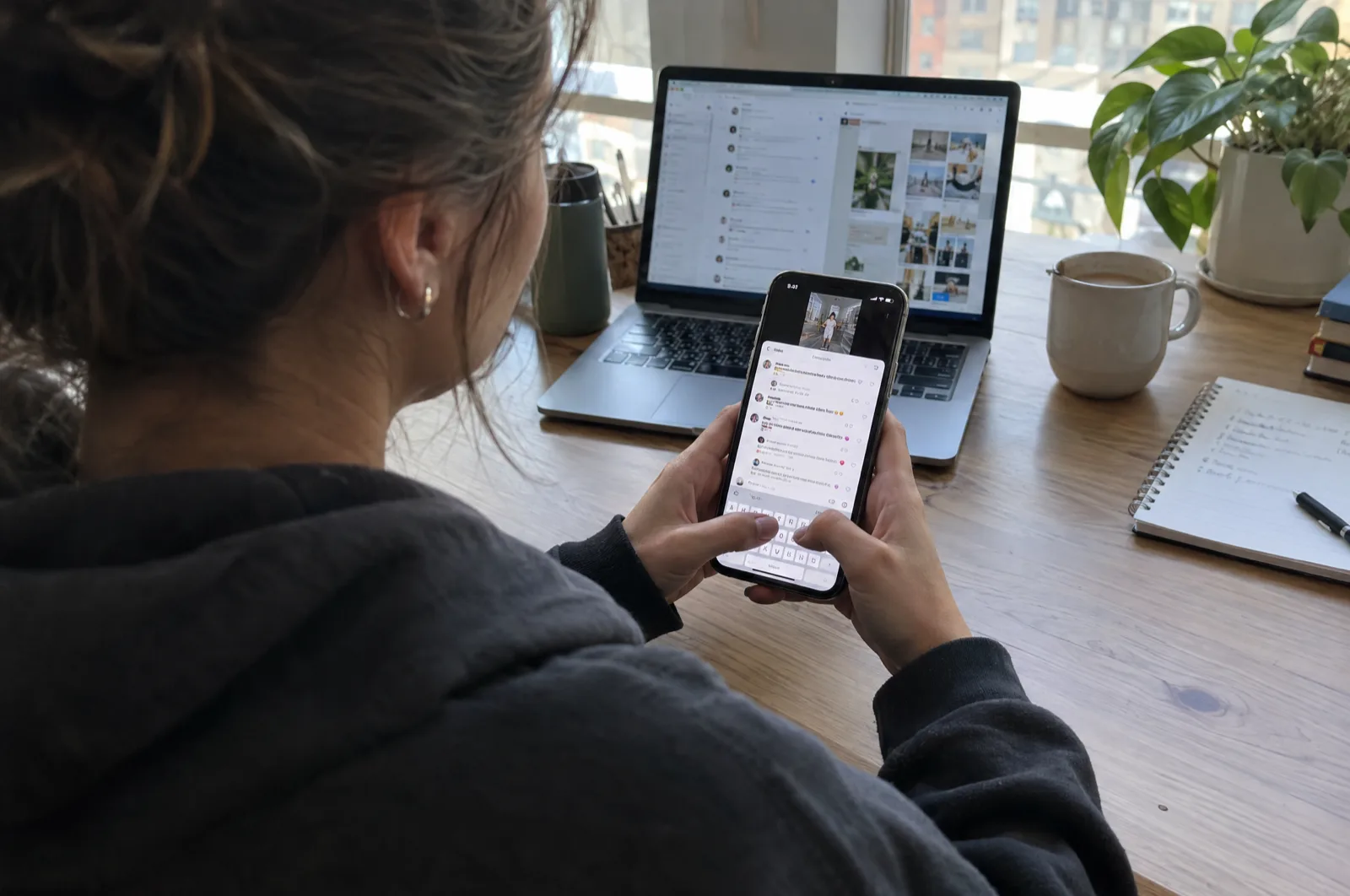
With a social media management dashboard, all comments land in a single inbox. Facebook ad comments next to Instagram Reels replies next to TikTok spam next to Google Reviews. You filter by platform, by sentiment, by priority. Spam is detected and hidden automatically. And the AI suggests a suitable reply for you, in the right language.
Alice Viete, marketing expert and agency owner at MarkOp , recommends:
"The biggest leverage in community management does not come from more tools, but from clear processes: centralize your channels in a single dashboard, set firm response standards for your brand voice and use automation consistently to pre-filter messages, but always keep the final communication deliberately human. That way you stay fast, consistent and close to your community."
The numbers speak for themselves. SNOCKS, with over 300 comments daily across multiple platforms, saves 0.5 full-time equivalents with a central dashboard. Health Routine, a D2C brand with €20 million in revenue, reduced comment management effort by 90 %.
When does automating comment management become worthwhile?
What 5 features does a good social media comments dashboard need?
Not every social media dashboard is built for comment management. Most tools focus on content planning and analytics, but the comments inbox is missing or an afterthought. Here are the five features that really matter.
1. Unified inbox for all platforms
All comments and reviews from Facebook, Instagram, TikTok, LinkedIn, YouTube, Google reviews, the Apple App Store and Google Play in a single stream. Filterable by platform, by post, by sentiment. No tab switching, no loss of context. It sounds simple, but surprisingly few tools offer this for all eight channels.
2. AI reply suggestions with brand tone
A good dashboard does not answer comments generically. It learns from your past replies, your tone, wording and brand voice. Each brand gets tailored suggestions. The difference to clumsy bots? The AI sounds like your team, not a chatbot.
3. Auto-hide for spam and toxic comments
When brands hide roughly one in ten comments on Facebook and TikTok (replient.ai data, June 2026), automatic filtering is not a luxury. It is mandatory. Good dashboards automatically detect spam, hate speech and toxic content and hide them before your team sees them.
4. Real-time sentiment analysis
What is the sentiment under your latest post? Under your last ad? A dashboard with sentiment insights shows at a glance whether comments are positive, neutral or negative. You spot backlash before it escalates. You see which content polarizes.
5. Multi-language support
Internationalization is the underrated tipping point. "If you suddenly get 100 comments in French, you need a translator, translating back and forth. With a dashboard you have everything in one tool: translate, reply, back-translate." If you are active in multiple markets, you need a dashboard that automatically detects and translates languages.
See dashboard features in detail
What does a typical day with a social media dashboard look like?
Replying to comments boosts engagement on Instagram by 21 % and on Facebook by 9.5 % (Buffer, 2026). A dashboard makes this engagement scalable. Here is what a typical day looks like, from the morning check to the evening report.
Morning routine: 15 minutes instead of 90
You open the dashboard. Night comments are already pre-sorted. Spam is automatically hidden. Purchase-intent comments are at the top. You go through the AI suggestions, click "Reply" or adjust. 15 minutes for all channels instead of 90 minutes of manual tab-hopping.
Monday in particular is a turning point. Instead of working through hundreds of weekend comments one by one, automation has already answered the standard questions. You only check escalations and special cases.
Midday check: sentiment at a glance
A quick look at the sentiment overview. Is there a negative trend under a specific ad? Were toxic comments automatically filtered? Do you need to intervene manually anywhere? That takes three minutes. Without a dashboard you probably would not notice it at all, until it is too late.
Evening: report and insights
At the end of the day you export the key insights: How many comments came in? Which platform had the most volume? What was the sentiment? This data flows into your social media marketing reporting. No manual compiling from eight different analytics tools.

FAQ: Social media comments dashboard
Do I need a social media dashboard if I'm only active on two platforms?
Even with two platforms, a dashboard saves time. But the ROI grows with every additional platform. From three channels on, the time saved is significant. The unified inbox alone eliminates the constant tab switching.
Can a dashboard really manage all 8 channels at the same time?
Yes, provided the tool uses the official APIs of all platforms. Facebook, Instagram, TikTok, LinkedIn, YouTube, Google reviews, the Apple App Store and Google Play all offer API access for comment and review management. It is important that the dashboard not only reads, but can also reply and, where the platform allows it, hide. Not all social media tools can do that for all eight channels.
How secure is my data with a central dashboard?
It depends on the provider. Look for GDPR compliance, EU server location and official API partnerships with Meta, Google and TikTok. Reputable dashboards do not store passwords, they work via OAuth tokens. Your social media accounts remain under your control.
What's the difference between a social media dashboard and a social media inbox?
A social media inbox only collects incoming messages and comments. A dashboard goes further: it shows sentiment insights, automation levels, response times and content performance. For pure comment management you need both, the inbox as the workspace and the dashboard as the control center.
Does a dashboard also work for agencies with multiple clients?
Yes. Agencies benefit especially because they manage multiple brands in parallel. Instead of opening every channel per client individually, they manage all brands in one tool. For example, one agency manages DJ Ötzi across TikTok, Facebook and Instagram in parallel, "without a central dashboard that would be impossible".
Ready to manage all 8 channels in one dashboard? Try it free for 14 days and see the difference. 15 minutes instead of three hours, every morning.
As of: September 2026 | Author: Thomas Danninger, Co-Founder replient.ai
About the author

Co-Founder, replient.ai
Thomas is a co-founder of replient.ai and works on AI-assisted comment management for social media. He writes about automation, community management and efficient comment moderation for growing brands.