Summarize this with
 ChatGPT
 Claude
 Gemini
 Perplexity
One in two people will not download an app rated below 3 stars. At the same time, 89% of all Google Play reviews remain completely unanswered. When you add that up, it becomes clear, negative app reviews are not fate, they are a missed opportunity. Most developers spend weeks on ASO, keywords and screenshots, but ignore the one lever that directly affects the rating: your responses to user reviews.

TL;DR: 70% of users change their rating when they receive a developer response with a real solution (Alchemer, 2024). The 4-step framework, thank, acknowledge the problem, offer a solution, invite an update, works equally well on the Apple App Store and Google Play. With AI-powered automation, you can also scale this to hundreds of reviews per week.
Why do negative reviews matter more than you think?
79% of all users check app ratings before downloading (AppDNA/AppFollow, 2025). Even more striking: 50% will not install an app rated below 3 stars (Alchemer, 2024). So every unanswered 1-star review not only drags down your average rating, it directly costs you downloads and revenue.
The leverage is enormous. According to AppsFlyer, the conversion rate rises by 89% when an app climbs from 3 to 4 stars (AppsFlyer, 2024). At the same time, 92% of the apps featured in the App Store are rated at least 4.0 stars. Below that threshold, you are practically invisible.
Since iOS 18.4, Apple even summarizes reviews using AI and displays the summary prominently on the product page. Every unanswered complaint gives the Apple AI the material for a negative summary. Your ASO budget is wasted when three angry 1-star reviews dominate the first impression.
Key point: Most app publishers optimize keywords, screenshots and videos, but ignore the only factor you can still actively influence after launch: your responses to reviews. Negative reviews are not a one-way street. They are the start of a conversation.
What surprised me: in an academic study covering more than 1 million reviews across 460 apps, the researchers found „substantial rewards“ for teams that responded to user feedback, and „significant penalties“ for those that ignored it (ScienceDirect, 2024). This is not marketing wisdom. This is peer-reviewed science.
How likely are users to change their rating after a response?
70% of users who receive a developer response adjust their rating (Alchemer, 2024). Google confirms this with its own data: a reply to a negative review raises that review's rating by an average of +0.7 stars (Google Play Console, 2024). This is not tool marketing, this is the platform itself.
Academic research backs up the effect. In the study by Hassan et al., 4.4% of users raised their rating when they received a reply. Without a response? Only 0.7%. That is six times the upgrade potential (Hassan et al., 2017).
Even so, according to Appbot, around 89% of all Google Play reviews remain without a developer response (Appbot, 2022). The good news: this means that simply by replying, you stand out from the crowd.
From our experience at Doppel N Marketing: As an agency we managed reviews for several app publishers. The pattern was always the same, the German and English reviews were answered, everything in Spanish, Portuguese, or Turkish was left unanswered. One client had 40% of their 1-star reviews in languages their team did not speak. It was exactly in those markets that downloads stagnated. Only when we introduced AI-powered, multilingual responses did the rating there increase.
How do you respond correctly? The 4-step framework
Not every reply helps. Copy-paste phrases like „Thanks for your feedback, we're working on it“ achieve nothing, they signal to the user that no one takes them seriously. What works is a structured approach.
Step 1: Say thank you. Sounds trivial, but it's crucial. A „Thank you for taking the time“ shows the user that a human has read their review. Not the automated bot.
Step 2: Acknowledge the problem. Name the specific issue. „We understand that the crash at login is frustrating“ feels different from „We're sorry for the inconvenience.“
Step 3: Offer a solution. This is where it gets professional. Either the problem is already fixed in an update, then say so. Or you provide a concrete guide. For recurring problems like crashes or load times: link to the support page with the troubleshooting steps.
Step 4: Invite an update. The crucial line: „If we were able to help you, we'd appreciate an updated rating.“ On Google Play the user can edit their review at any time. On the Apple App Store one reply per review version stays in place, but the user can leave a new rating with the next app version.
What we see with clients: An e-commerce app publisher that, before using replient.ai, replied to 12% of its app reviews was able to raise the response rate to 85% within four weeks, and the rating rose from 3.8 to 4.2 stars. The difference was not better code. It was better communication.
Sounds simple? It is, for ten reviews a week. But what if you get 500 reviews in 20 languages? Then you either need a team of ten people or a system that replies automatically while still sounding human. More on that in a moment.
Apple App Store vs Google Play: The key differences
Not all app stores are the same. If you respond on both platforms, you need to know the differences, otherwise you'll waste time or make mistakes.
| Feature | Apple App Store | Google Play |
|---|---|---|
| Reply character limit | 10,240 characters | 350 characters |
| Is reply editable? | No (one reply per review) | Yes, at any time |
| Rating calculation | Average (can be reset per version) | Weighted by current versions |
| User notification | Indirect | Google notifies & asks for a re-rating |
| AI summary | Yes (since iOS 18.4) | No |
The biggest practical difference, on Google Play you only have 350 characters. That forces you to get to the point. No novels, instead: identify the problem, offer a solution, invite the user to update. On the Apple App Store you have room for a detailed explanation with troubleshooting steps.
Another lever on Google Play, the platform actively notifies the user about your reply and asks if they want to update their rating. This nudging is absent on Apple. That's why the review edit rate on Google Play tends to be higher.
When should you report a review instead of replying?
Not every negative review deserves a detailed reply. Some belong reported. In 2024 Apple removed a total of 143 million fraudulent reviews and banned 146,000 developer accounts, roughly every ninth review was fraud (Apple Transparency Report, 2024).
When reporting makes sense: for obvious spam, off-topic content (someone reviews the wrong app), competitive fake reviews, or abusive content. For this, Apple offers the „Report a Concern“ button directly in App Store Connect.
When you should still reply: to every legitimate criticism. Even if it seems unfair. Even if the user makes a mistake that your app did not cause. Why? Because your reply is visible not only to that one user, but to all potential users who read your reviews. And 79% do.
My brother Markus sums it up in an agency context: „Every reply to a negative review is really a reply to the next thousand people who read that review.“ This very mindset is what separates good app publishers from those who can't get their rating under control.
How AI turns negative app reviews into opportunities
Regularly responding to reviews sounds doable, until you operate apps in 30 countries with reviews in 20+ languages. Replying manually in Japanese, Portuguese and Turkish is simply impossible if your team consists of three developers in Berlin.
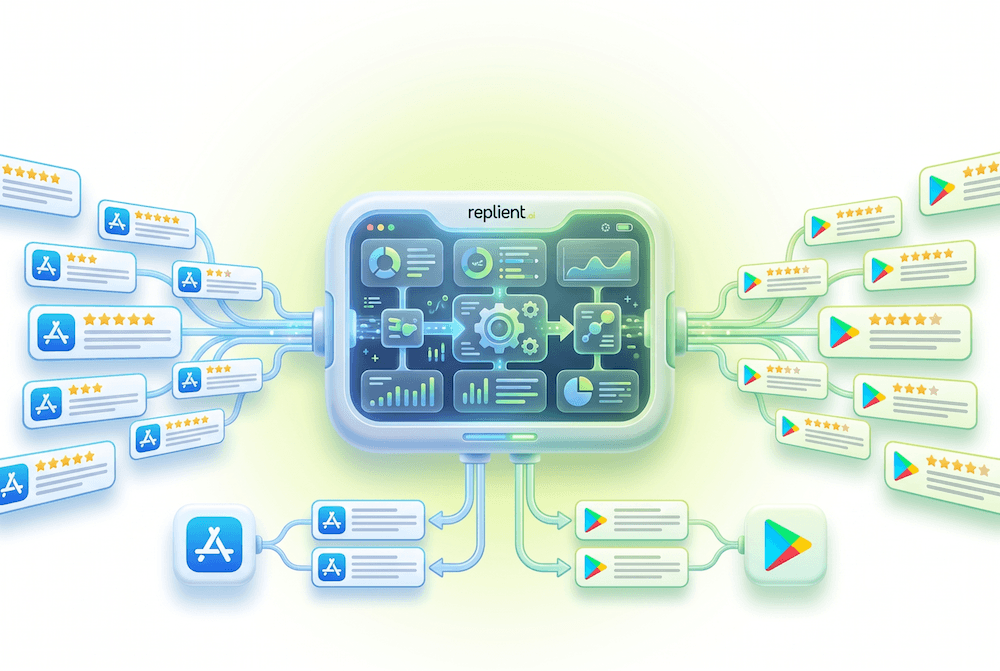
This is exactly where AI-powered automation comes in. Tools like replient.ai analyze every incoming review with sentiment analysis and automatically categorize it as positive, negative, or neutral. Based on that, the AI generates context-aware response suggestions that sound like your company's brand voice, not like a generic bot.
What this means in practice:
- Sentiment-based prioritization: 1-star reviews are automatically sorted to the top. You see the most urgent cases first.
- Star-rating automations: You can set rules like „For every 1-star rating: reply immediately with an apology template and a support link.“
- Multilingual replies: The AI detects the language of the review and replies in the same language, without your team needing to know Portuguese.
- Platform-specific character limits: replient.ai knows Google Play's 350-character limit and the Apple App Store's 10,240-character limit, and automatically adjusts the reply length.
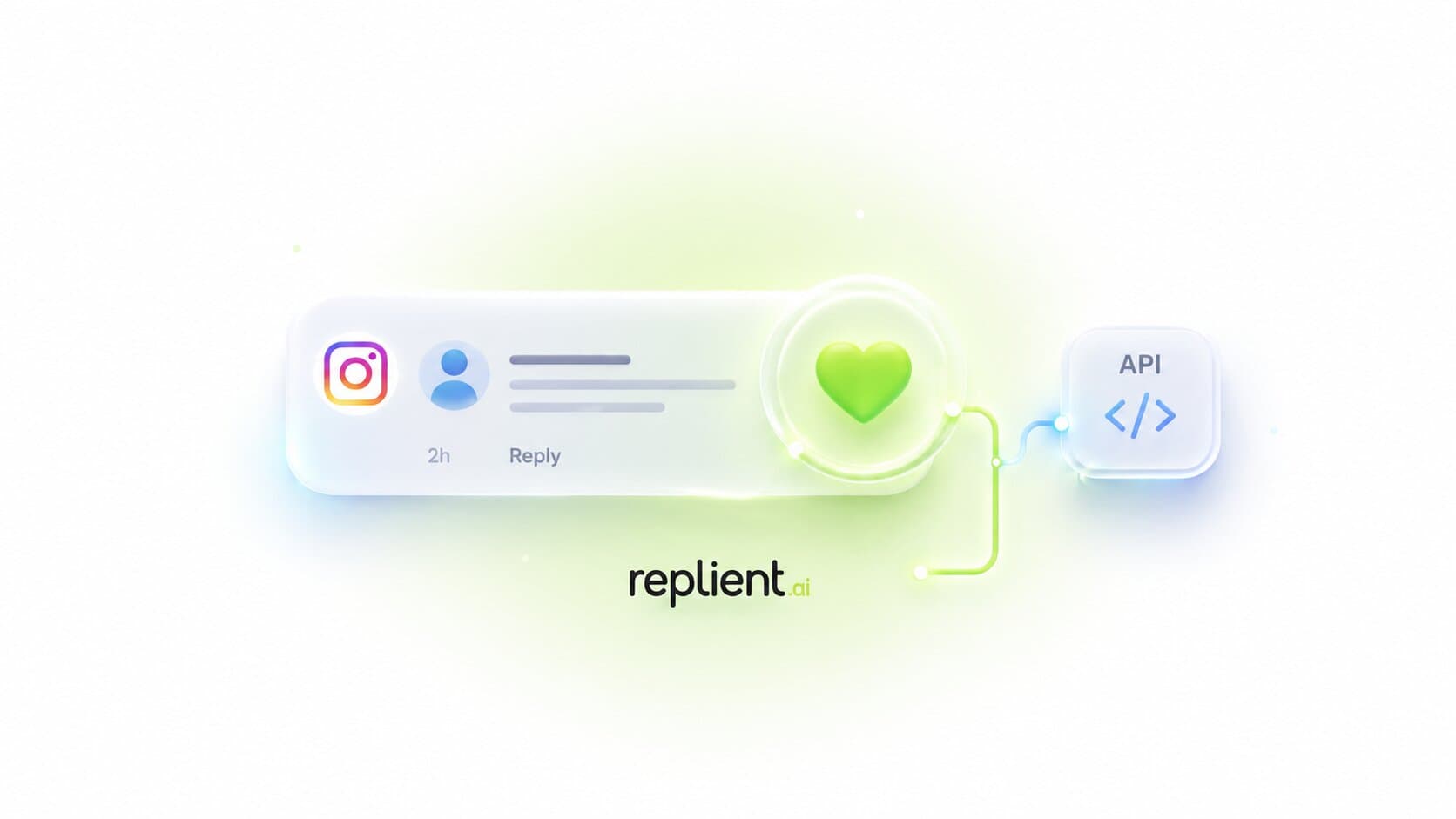
Anyone who integrates this into their social media comment management gets a workflow that controls app reviews, Instagram comments, TikTok, and Google reviews from a single dashboard. Instead of opening five tabs every morning, one is enough.
The potential is huge. According to Appbot, the response rate on Google Play has quadrupled since 2016, from 2.9% to over 11% (Appbot, 2022). The tools are getting better, awareness is rising. Whoever starts now still benefits from the competitive advantage, before everyone does it.
For a detailed guide on how to best structure developer responses on the Apple side, take a look at our guide answering App Store reviews.
Frequently asked questions
How should you best handle negative app reviews?
With the 4-step framework: say thank you, acknowledge the problem, offer a solution, invite an update. According to Alchemer, 70% of users change their rating when they receive a helpful developer response (Alchemer, 2024). The key is a concrete solution, not a generic phrase.
Can you get negative app reviews removed?
Only for policy violations. Apple removes spam, off-topic and fraudulent reviews, in 2024 that was 143 million. You cannot delete legitimate negative reviews. Instead, reply professionally and invite the user to update their rating after an improvement.
What is the difference between the App Store and Google Play when it comes to review replies?
Apple allows 10,240 characters per reply, Google Play only 350. In return, Play Store replies are editable and Google actively notifies the user. Apple replies remain fixed per review version, but a rating reset is possible with new versions.
Should you reply to every app review?
Yes, especially to negative ones. Developers reply to 1-2-star reviews twice as often as to 4-5-star reviews (18% vs. 9%, Appbot, 2022). But positive reviews also deserve a quick thank you. 50.3% of replies happen within 24 hours, and the faster, the better.
How does regularly responding improve your app rating in the long term?
Google Play data shows: a developer response raises the rating of a negative review by an average of +0.7 stars (Google Play Console, 2024). Multiply that by hundreds of reviews and you see why consistent replying can significantly boost the average rating. The Zauberfein case study shows how this effect also lifts ROAS by 50% with social media comments.
Conclusion: every negative review is an invitation
Negative app reviews are not a problem. They are a signal that real users are using your product and take the time to give you feedback. If you ignore that feedback, you're leaving money on the table.
Key takeaways:
- 70% of users change their rating after a real solution
- Moving from 3 to 4 stars results in 89% more downloads
- Only 11% of Google Play reviews are answered. That's where your advantage lies
- The 4-step framework works on both platforms
- AI-powered tools make it scalable, even in 20+ languages
If you want to take your app review management to the next level, start with the reviews that hurt the most: the 1-star ratings. With the right framework and an AI that speaks your brand voice, you can turn those reviews into loyal fans.
Try replient.ai for free and manage the App Store, Google Play, and social media from a single dashboard.
About the author

Co-Founder, replient.ai
Thomas is a co-founder of replient.ai and works on AI-assisted comment management for social media. He writes about automation, community management and efficient comment moderation for growing brands.