Summarize this with
 ChatGPT
 Claude
 Gemini
 Perplexity
Your video goes viral — and suddenly 500 comments pour in within an hour. Product questions, feedback on the content, spam links to fake giveaways and hate comments. YouTube Studio shows you everything in one endless list. Going through them one by one, replying, hiding — it eats up hours. And the comments on your older videos? Nobody reads them anymore.
This is the daily reality for many creators, brands, and YouTubers who take YouTube seriously as a channel. The comment section under every video isn’t a nice-to-have — it’s direct viewer feedback, an engagement signal for the algorithm, and often the first touchpoint with potential customers.
The solution: AI-powered comment management that manages YouTube comments centrally, moderates them intelligently, and generates brand-compliant replies — without you having to click through each video individually in YouTube Studio.
Why YouTube comments are so important for creators and brands
YouTube rewards engagement. Videos with active comment sections are shown more often in search results and recommendations. Every comment you reply to signals to the algorithm: something relevant is happening here.
At the same time, viewers use comments on YouTube videos to ask questions about the video, discuss similar content, or give product feedback. They want to interact with the creator — and expect quick responses. If you ignore these interactions, you don't just lose potential customers — you actively harm your channel's reach.
The problem: Compared with Instagram or TikTok, YouTube videos have a much longer lifespan. A video from six months ago still generates views and comments. Keeping track of all comments — across dozens or hundreds of videos — is simply not cost-effective to do manually.
What YouTube Studio can do — and where it falls short
YouTube Studio offers basic features for comment moderation: keyword filters, spam detection, and the ability to hold comments back. With SmartReply, Google has introduced its first AI replies and is testing an artificial intelligence called „Ask Studio“ that can summarize comment topics. However, both AI features are currently only available in English (reply suggestions with AI) and don't take an individual brand voice into account – they're not yet a real help for the DACH market.
What YouTube Studio doesn't offer:
- No AI responses in your brand voice. The native suggestions are generic and don't take into account your tone, your product, or current promotions.
- No cross-platform overview. If you manage Facebook, Instagram, TikTok, LinkedIn, or Google Reviews in addition to YouTube, you have to switch between six different dashboards.
- No intelligent prioritization. Whether someone signals purchase intent or just writes „Cool video“ – YouTube Studio treats both the same.
- No automated workflows. Hide spam, prioritize comments with purchase intent, notify the team for certain keywords – that's not possible natively.
- No sentiment tagging. You can't see at a glance which comments are positive, negative, or neutral.
For channels that get only a few comments per week, YouTube Studio is enough. But once you regularly publish content, run ads, or have a growing community, you need a specialized tool.
How AI-powered YouTube comment management works
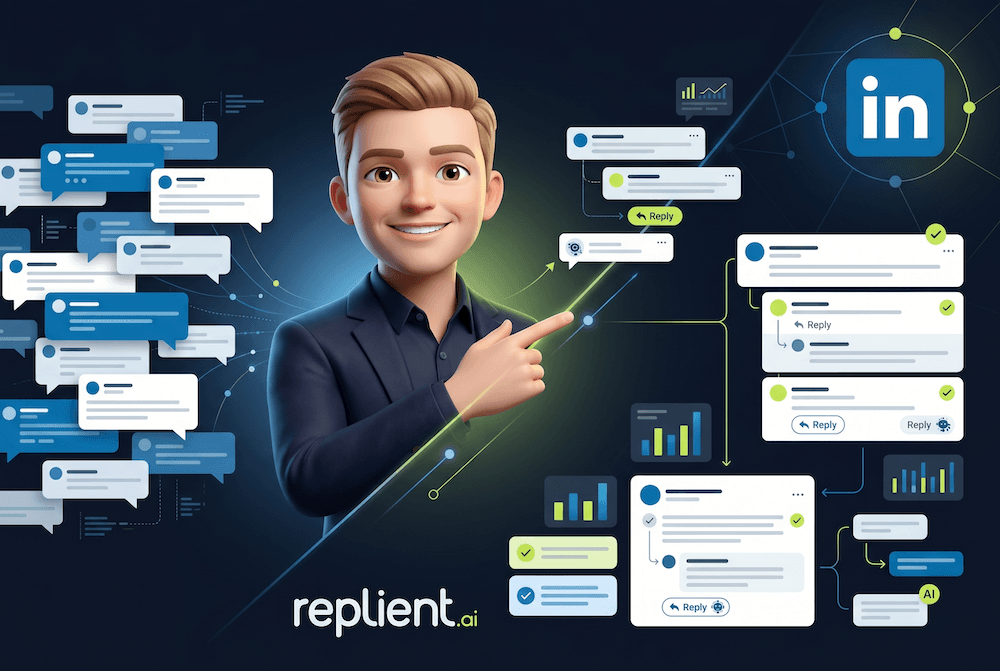
Specialized AI tools like replient.ai connect to your channel via the YouTube API and import all comments into a central dashboard. This gives you an overview of all interactions – together with comments from Facebook, Instagram, TikTok, LinkedIn, and Google Reviews. The goal: improve the quality and speed of your replies without increasing the effort.
AI responses in your brand voice
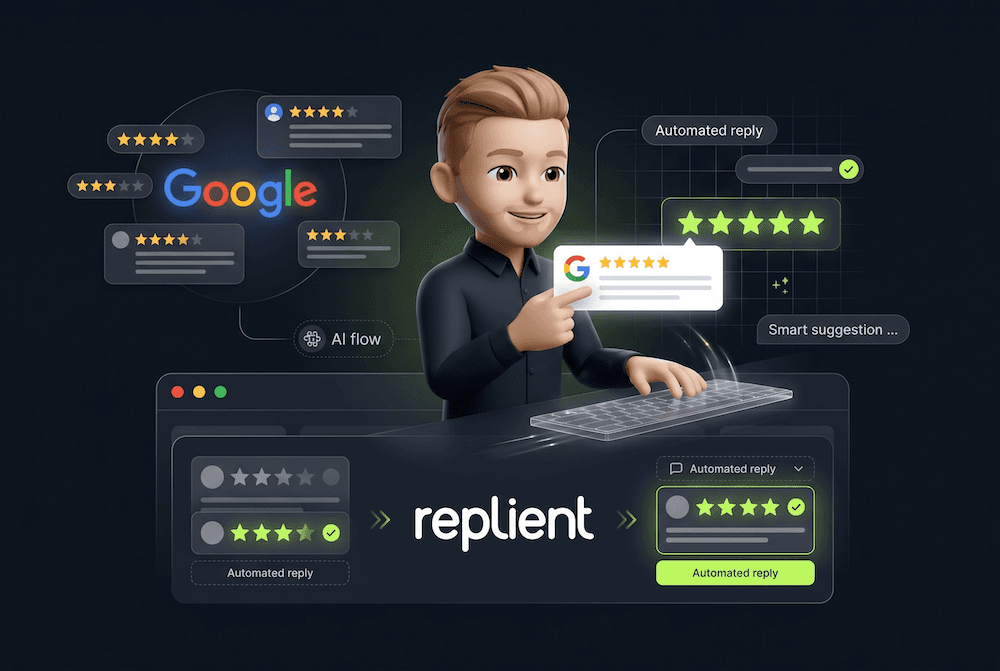
The decisive difference to YouTube Studio: the AI doesn't learn from generic data but from your historical comments and replies. It analyzes how you responded to specific questions in the past and generates three tailored reply suggestions per comment.
In addition, the AI can process information from your website — current prices, product details, FAQ content — and automatically include it in replies. That way, a viewer who asks about a specific product under your video gets a quick, accurate answer with the right information — in your language and tone.
You decide: in manual mode you review and approve each suggestion with a single click. In automatic mode, AI-generated replies are posted directly. Both modes can be configured per channel or per comment type.
Automated moderation and spam protection
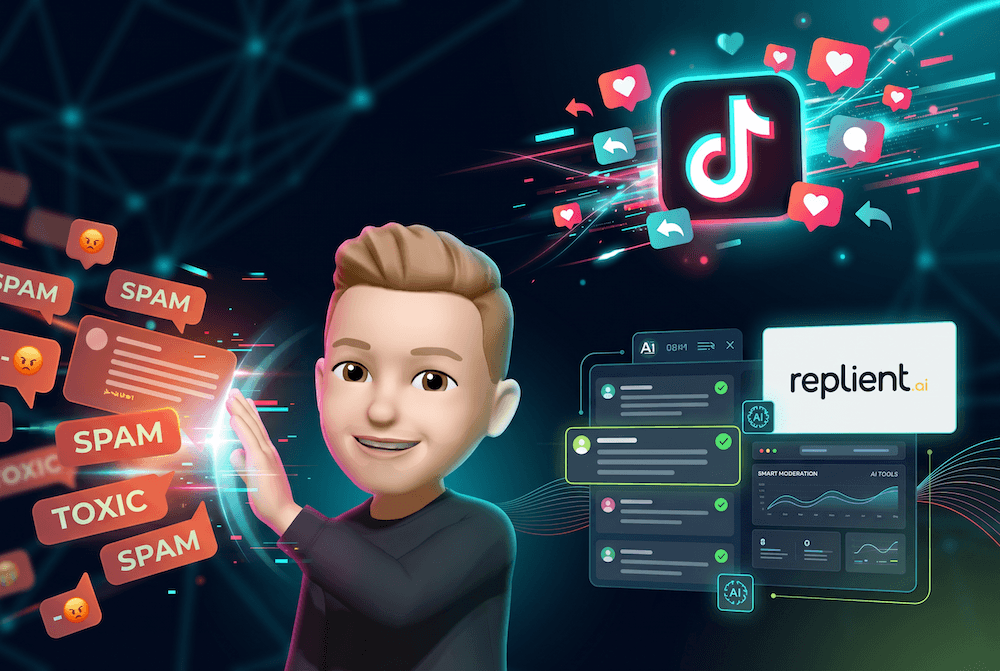
YouTube has a massive spam problem. Fake giveaways, impersonation bots and phishing links in comments are everyday reality for many YouTubers. YouTube Studio’s native filters often act too late or mistakenly flag real comments as spam — an issue that’s been discussed in creator forums and the YouTube community for years.
With AI-powered moderation you can set up custom automations: If/Then workflows that react to keywords, sentiment tags, or specific users. Spam and toxic comments are automatically hidden, while constructive criticism or questions are allowed through and prioritized.
Sentiment analysis and intelligent tagging
Instead of treating all comments the same, the AI automatically detects sentiment: positive, negative, or neutral. Comments are tagged — purchase intent, complaint, FAQ question, praise — and can be filtered and prioritized accordingly.
This is especially relevant for brands running YouTube ads: negative comments on ads can destroy social proof and hurt your ad performance. If you spot them quickly and respond professionally, you protect your ROAS.
Frequently asked questions about YouTube comment management with AI
Does AI also work with YouTube comments in multiple languages? Yes. Tools like replient.ai support multiple languages and can respond to English, German, or mixed-language comments — a detail that's crucial for international YouTube channels. YouTube comments are known for code-switching, slang, and emojis, which pose a particular challenge for AI systems.
Will my YouTube comments be flagged as bot spam because of AI replies? No. AI replies are posted via the official YouTube API as regular replies – not via browser bots or scraping. replient.ai uses the official Google API integration and complies with YouTube's terms of service. This is an important difference from Chrome extensions or bot tools that can violate YouTube's policies.
Can I control which comments are answered automatically? Yes. You can set whether all comments, only certain categories (e.g. questions), or only comments with specific sentiment tags receive an automatic reply. For sensitive topics, manual mode with 1-click approval is recommended.
How does AI help with YouTube videos that have hundreds of old comments? When you connect your channel, replient.ai imports all historical comments. That way you can also retroactively address older, unanswered comments — and the AI simultaneously uses that data as training material to improve the quality of future reply suggestions.
YouTube comment AI compared: Which tools are available?
There are different approaches to AI-powered YouTube comment management:
YouTube Studio (native): Free, basic moderation and spam filters. AI comment summaries (YouTube Ask Studio) currently only for selected creators in the USA. No AI responses in your brand voice, no cross-platform overview.
Chrome extensions (e.g. MailMagic AI): Generate AI responses directly in the browser. Advantage: Simple. Disadvantage: No central dashboard, no brand-voice training, no automations, no team workflow. Do not operate via the official API.
All-in-One Social Media Tools (Hootsuite, Sprout Social): Offer YouTube integration, but the comments section is one feature among many. AI responses are generic, brand-voice training is usually absent. Also high prices starting at $99-199/month.
Specialized comment AI (replient.ai): Focus on comment management across all six platforms (Facebook, Instagram, TikTok, LinkedIn, YouTube, Google Reviews). AI learns from historical data and website content. Sentiment analysis, auto-tagging, custom automations. Self-service pricing model instead of forced enterprise-only plans.
You can find a detailed comparison of the best YouTube comment tools on our comparison page for social media comment tools.
How to get started with AI-powered YouTube comment management
- Connect your channel: Authorize your YouTube channel via the Google API. replient.ai imports all existing comments and replies as training data.
- Train your brand voice: Add your website domain so the AI can use live information from your site in responses. Optional: Upload FAQ documents and product PDFs for even more precise answers.
- Set up automations: Automatically hide spam, prioritize purchase-intent comments, notify the team by email about complaints.
- Test and optimize: Start in manual mode, review and adjust AI suggestions. The AI continuously improves based on your choices.
You can try replient.ai free for 14 days – no credit card, no subscription lock-in.
Conclusion: YouTube comments are a service channel — treat them as such.
YouTube has long been more than a video platform. For brands, creators and agencies, comments under videos are a direct line to the community — and a measurable path toward better engagement rates, higher viewer retention and increasing conversions.
If you keep answering every comment manually as comment volume grows, you're wasting resources. AI-powered comment management with tools like replient.ai makes YouTube interactions scalable without sacrificing quality or authenticity.
For more information on the development of AI in community management, check out our Guide: AI in Community Management. For an overview of all platforms that replient.ai supports, visit our product page.
About the author

Thomas Danninger
Co-Founder, replient.ai
Thomas ist Co-Founder von replient.ai und Experte für KI-gestütztes Social Media Kommentar-Management. Er schreibt über Automatisierung, Community Management und effiziente Kommentar-Moderation für wachsende Brands.